
Networking

Public IP vs Private IP: What Your Router Is Hiding
Public addressing supports global routing, not guaranteed reachability; compare the router's WAN address with the observed external address and check upstream NAT, VPNs, IPv6, and firewall policy separately.
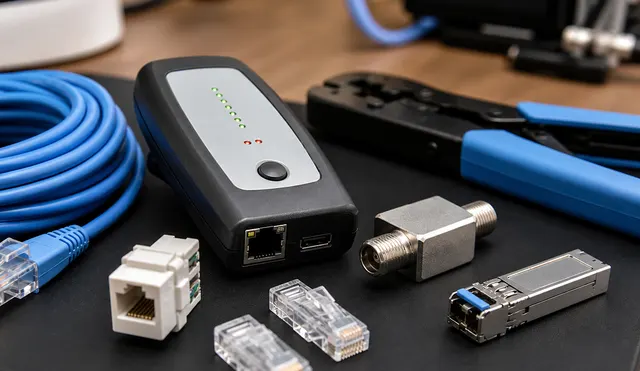
PoE vs PoE+ vs PoE++: Why Cameras and APs Reboot
Power over Ethernet sends power and data over one cable. The standard, switch budget, cable quality, and device draw all matter.
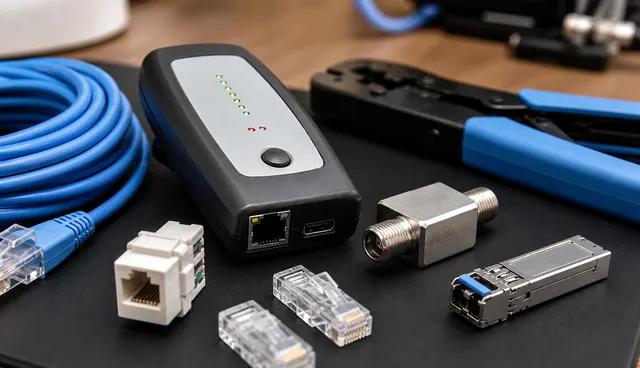
Patch Panel vs Switch: What Belongs in the Rack
A patch panel terminates and organizes cables. A switch forwards network traffic. They work together but do completely different jobs.

Ping vs Tracert/Traceroute: Reachability vs Path Troubleshooting
Use ping for ICMP reachability and round-trip time, and traceroute for answering probe hops; compare actual application behavior before treating silence or an intermediate delay as failure.

NAT vs Routing: What Happens When Traffic Leaves Your LAN
Routing decides where packets go. NAT rewrites addresses. Home networks usually use both, but they are not the same job.

Modem vs Router vs Gateway Explained
Distinguish the provider modem or ONT, the routing role, and a combined residential gateway; a default gateway is a next hop, not necessarily a multifunction box.
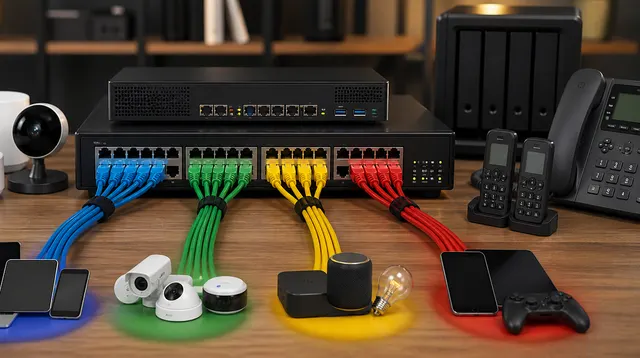
Guest Wi-Fi vs IoT VLAN: Isolation Without Breaking Everything
Use guest Wi-Fi for visitors and an IoT VLAN for explicit device rules, then test allowed and denied IPv4 and IPv6 paths; neither label proves isolation.
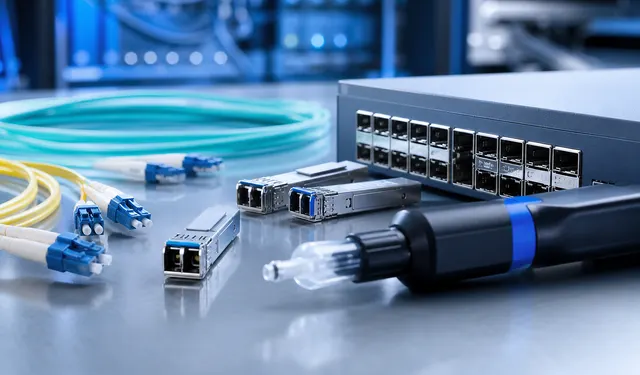
Fiber Optic Cables Explained: Structure, Distance, and Use Cases
Match fiber, optics, reach, connectors, and cable rating as a complete link, then inspect and measure losses; never look into an open fiber or optical port.
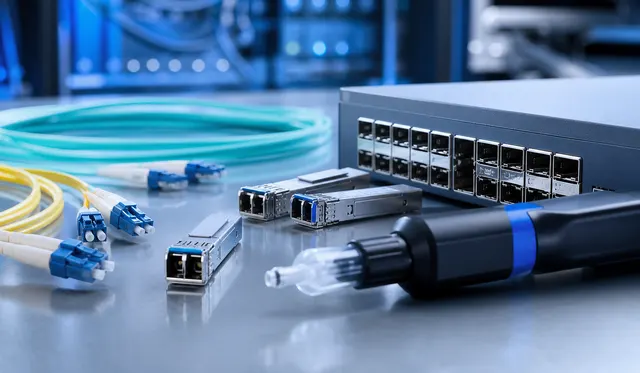
LC vs SC vs ST vs FC vs MPO/MTP: Fiber Connectors Explained
Fiber connectors must match the optic, patch panel, polish type, density requirement, and fiber mode. The shape alone is not enough.
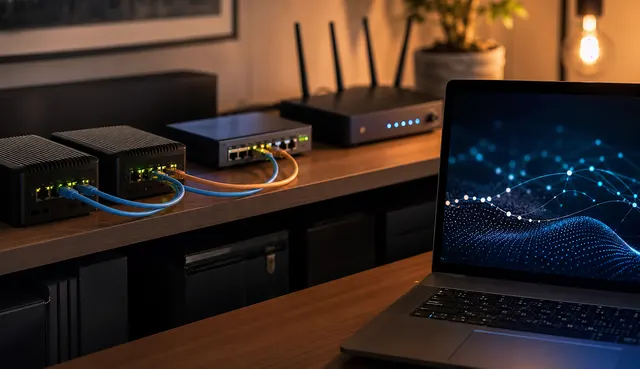
DHCP vs DNS: What Breaks When Each One Fails
Separate DHCP configuration faults from DNS lookup failures: inspect the client's address and gateway first, then test the configured resolver; a failed ping alone proves neither.