
Storage
NAS, DAS, SSDs, NVMe, backups, RAID, file systems, sync tools, and storage design decisions for homes and small labs.
Restore From a Compromised Backup Without Reinfecting Production
Recover needed data from suspect backups in isolation, rebuild executable components from trusted sources, replace exposed credentials, and require application checks plus security review before reconnecting.
NAS Integrity for Home Labs: Scrubs, SMART, ECC, Checksums, and a Real Restore
A practical NAS integrity routine: ZFS scrubs, SMART tests, snapshots, checksums, ECC expectations, backup verification, and actual restore drills.
Proxmox Storage for Normal People
A plain-English Proxmox storage guide explaining local, local-lvm, ZFS, NFS, iSCSI, Ceph, PBS, snapshots, and backup boundaries.
RAID vs Backup: What Each One Protects
Redundant RAID can preserve availability through specified drive failures, while independent backups preserve recovery history; RAID 0 has no redundancy, and neither array health nor copy status proves restoration.
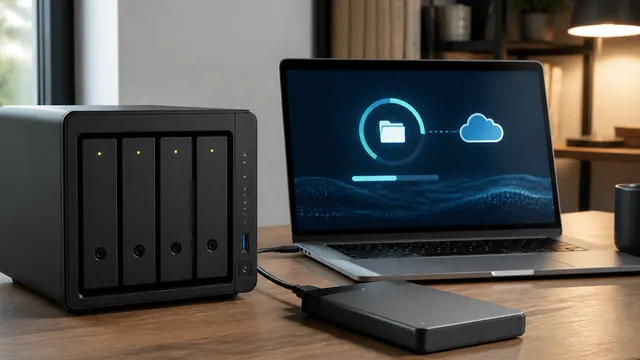
NAS vs DAS vs Cloud: Choosing Storage by Workflow
NAS shares storage over the network, DAS attaches directly to one computer, and cloud storage syncs or hosts data through a provider.
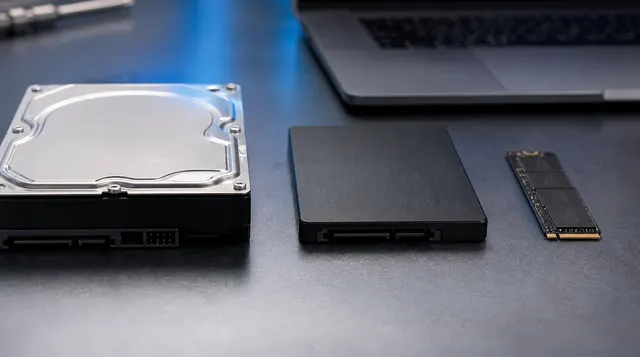
HDD vs SATA SSD vs NVMe: Which Storage Should You Buy?
HDDs fit bulk storage, SATA SSDs fit budget upgrades, and NVMe SSDs fit boot drives, VMs, games, and active workloads.
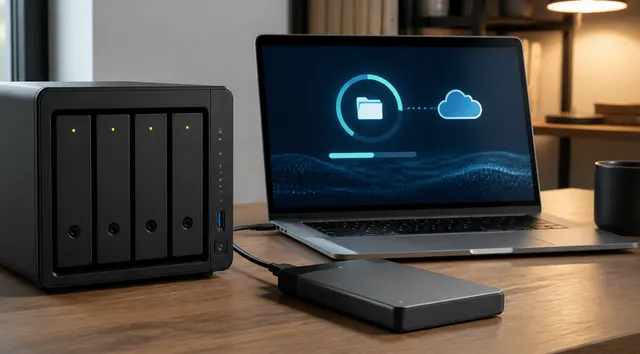
3-2-1 Backup Rule Explained for Real Homes
Keep three copies of important data on two media types, with one offsite; protect recovery credentials and test restores because copy counts alone do not establish recoverability.