
Networking
Routing, switching, Wi-Fi, VLANs, DNS, DHCP, cabling, diagrams, and practical network troubleshooting for homes, labs, and small sites.
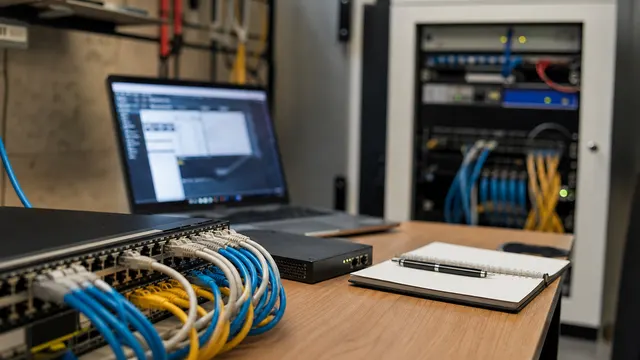
Small Office Monitoring: The 12 Checks That Catch Real Outages
A small-office monitoring guide covering WAN, DNS, DHCP, router health, captive portals, APs, PoE, UPS, local services, backups, and alerting.
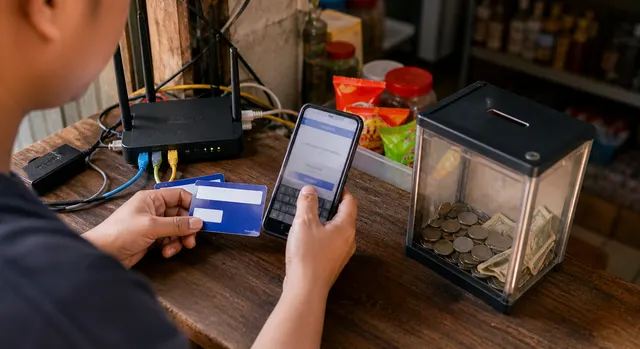
Captive Portal Triage: Connected, No Login Page, No Internet
Find the first failed captive-portal layer, from association and addressing through discovery, authentication, access policy and upstream routing. Compare clients and preserve logs before changing settings; discovery and NAT behavior depend on the design.
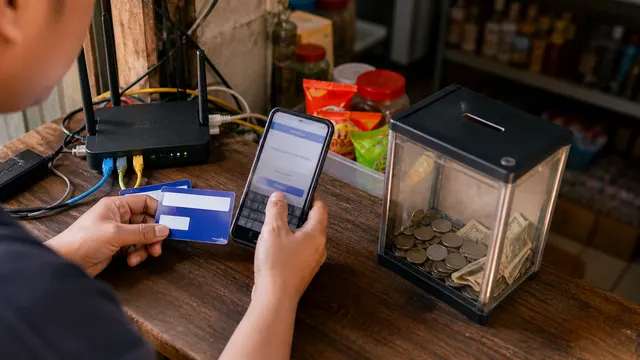
PisoWiFi Daily Operator Checklist
A PisoWiFi daily operations checklist for checking power, ISP, Wi-Fi, DHCP, DNS, captive portal login, vouchers, sessions, and daily logs.
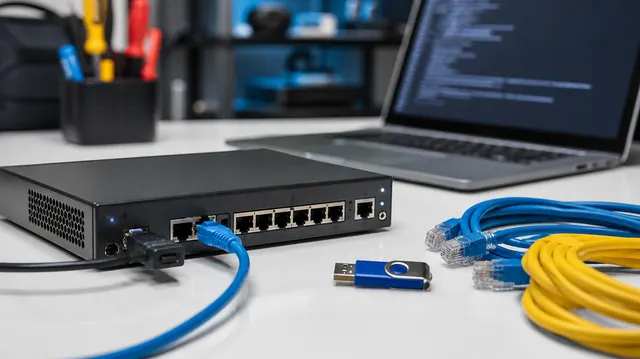
UniFi Route Troubleshooting: Routing Tables, Forwarding State, and Packet Paths
Trace a UniFi client flow through routing policy, forwarding state, observed egress and replies. Compare failure and recovery behavior without treating a routing-table entry as packet-path proof.
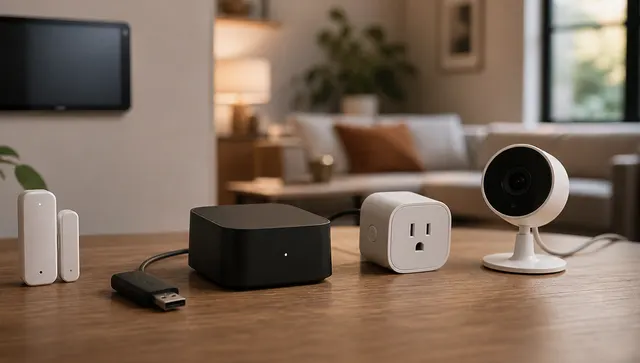
Thread Troubleshooting: Border Routers, Split Networks, and the New Thread Tools App
A Thread troubleshooting guide for smart homes, covering border routers, split networks, Matter controllers, Home Assistant, Thread Tools, and IPv6.

Wi-Fi 7 MLO Reality Check: Client Type, WPA3, And IoT Breakage
Evaluate Wi-Fi 7 MLO by client radio mode, security settings and actual application behavior. Plan separate throughput, roaming and reconnect checks while preserving compatible, restricted access for legacy IoT devices.
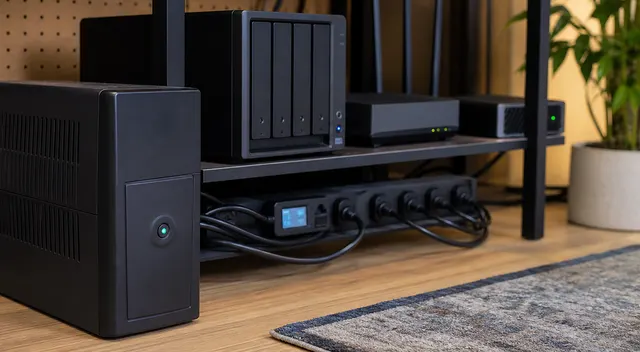
Brownout, Not Blackout: Multi-WAN Failover Tests That Matter
Test multi-WAN behavior when a link stays up but latency, loss, DNS or application reachability degrades. Measure detection, new connections, existing sessions and failback as separate outcomes.
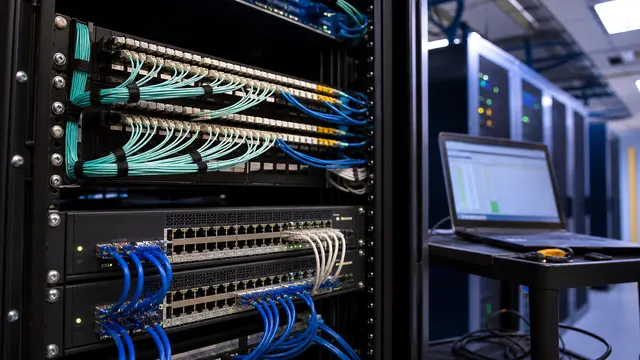
SD-WAN Assurance: What to Monitor Before Blaming the ISP
An SD-WAN assurance runbook for separating ISP, underlay, overlay, policy, DNS, SaaS, and application problems before escalating.
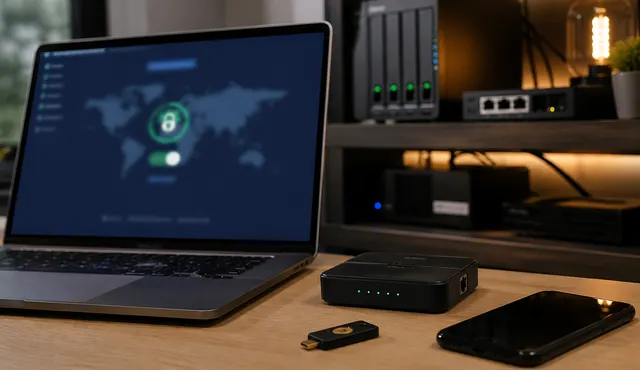
Why Port Forwarding Fails: Diagnose Double NAT, CGNAT, and IPv6 Before Buying Gear
A topology-first troubleshooting guide for failed port forwards: public IP checks, double NAT, CGNAT, IPv6 firewall rules, UPnP, VPN, and tunnel alternatives.
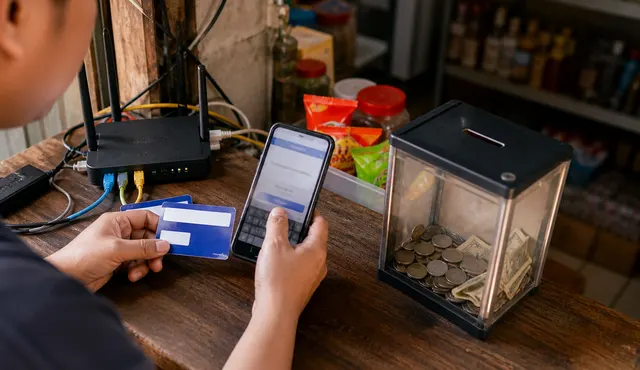
Stop Binding Paid Wi-Fi Time To A Phone MAC Address
Design paid Wi-Fi access around recoverable vouchers or accounts rather than a phone's observed MAC address. Check private-address behavior, purchase recovery and duplicate-credit prevention on the actual devices and portal.