
Windows
Windows setup, repair, BitLocker, sign-in recovery, storage formats, networking, command-line tools, and practical support workflows.
Windows 11 24H2 SMB Share Failures: Check Signing Requirements
Diagnose branch file-share failures by Windows edition, traffic direction, server and account. Preserve SMB signing while checking authenticated NAS access and scanner workflows separately, without falling back to guest access or SMB1.
July 2026 Windows IPP Change: Test Old Office Printers
Understand the Windows IPP driver preference without assuming older printers are unusable. Evaluate fresh installations, required finishing features and ordinary-user access, with scanning and fax checked separately.
Scan-To-Email After The SMTP AUTH Delay
Choose a scanner mail path by authentication capability and recipient scope. Separate SMTP AUTH from Basic authentication, then plan delivery, attachment and queue-recovery checks without broad tenant exceptions.

Prepare For NTLM-Off Windows
Start NTLM reduction with auditing and application dependency repair. Identify service, scanner and share access before testing denial in a recoverable scope, rather than applying domain-wide restrictions without evidence.
Windows Server 2012/R2 Final ESU Exit
Plan Windows Server 2012 and 2012 R2 retirement by server role, supported destination and recovery dependencies. Validate identity, applications and newer data before treating a copied VM as a completed migration.

Entra Connect Sync: Verify Current Builds and Authentication Requirements
Assess Entra Connect servers against current version and authentication requirements, then verify actual synchronization and Health agents. Keep staging, active exports and recovery separate from assumptions about automatic upgrades.

Entra Password Reset: Registered Methods and the October 2026 Change
Check which registered methods users can actually use for Entra password reset, not merely populated directory contact fields. Plan ordinary-user reset tests and staffed recovery, with privileged accounts reviewed separately.
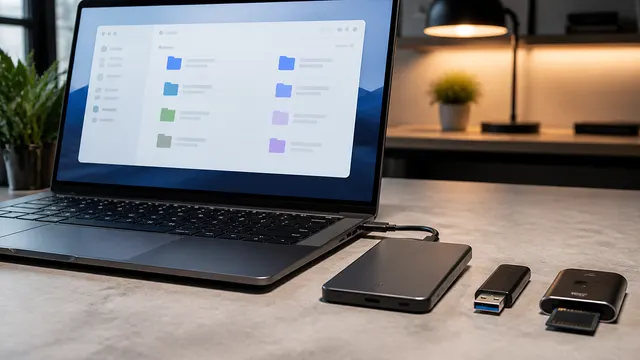
NTFS vs exFAT vs FAT32: Which Format Should You Use?
Choose NTFS for Windows-native storage, exFAT for tested cross-platform transfers, or FAT32 when required; FAT32 files must be smaller than 4 GiB, and formatting requires a verified separate backup.
DISM vs SFC: Which Windows Repair Command Runs First?
DISM repairs the Windows component store. SFC checks and repairs protected system files. Run DISM first when the Windows image may be damaged.
BitLocker Recovery Key Explained Before You Need It
Retrieve BitLocker recovery information before firmware or hardware changes; match the displayed key ID to its stored record, then use the associated 48-digit recovery password.