
Quick Reference
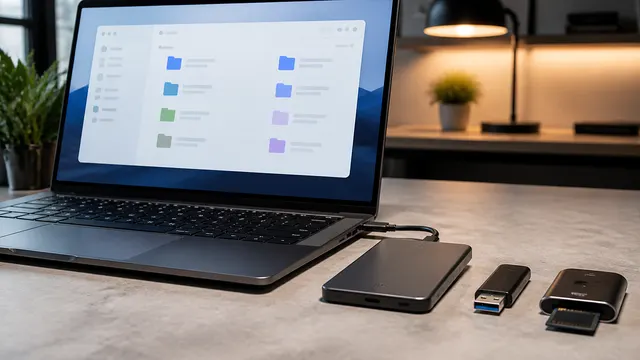
NTFS vs exFAT vs FAT32: Which Format Should You Use?
Choose NTFS for Windows-native storage, exFAT for tested cross-platform transfers, or FAT32 when required; FAT32 files must be smaller than 4 GiB, and formatting requires a verified separate backup.

Password Manager vs Browser Passwords
Compare browser, operating-system, and dedicated password managers by device support, sharing, and recovery needs; protect the sync account and treat exports as plaintext unless documented otherwise.

NAT vs Routing: What Happens When Traffic Leaves Your LAN
Routing decides where packets go. NAT rewrites addresses. Home networks usually use both, but they are not the same job.
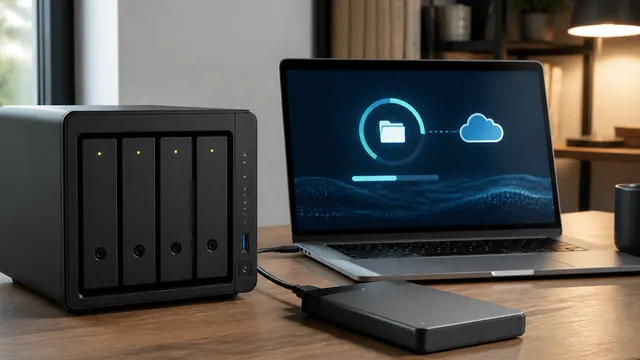
NAS vs DAS vs Cloud: Choosing Storage by Workflow
NAS shares storage over the network, DAS attaches directly to one computer, and cloud storage syncs or hosts data through a provider.

SMS vs TOTP vs Push vs Passkeys vs Hardware Keys
SMS, TOTP, push, passkeys, and hardware keys protect accounts differently. Use phishing-resistant MFA where it matters most.

Modem vs Router vs Gateway Explained
Distinguish the provider modem or ONT, the routing role, and a combined residential gateway; a default gateway is a next hop, not necessarily a multifunction box.

Mesh Wi-Fi vs Access Points: Which Should You Install?
Mesh is convenient when you cannot wire rooms. Wired access points are usually more predictable when you can run Ethernet or use good backhaul.
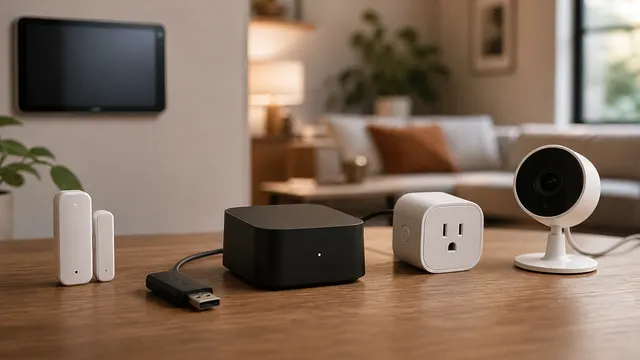
Home Assistant Entities, Devices, and Automations
Home Assistant is easier to design and debug when integrations, devices, entities, areas, scenes, scripts, and automations each have a clear job.
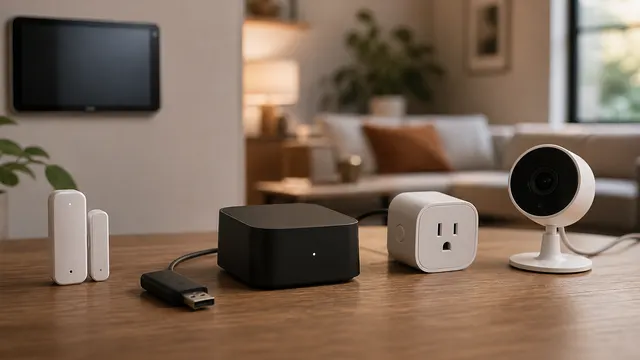
Matter, Thread, Zigbee, and Wi-Fi Explained
Matter is an application standard. Thread, Zigbee, and Wi-Fi are network technologies. Buying smart home devices gets easier when you separate those jobs.
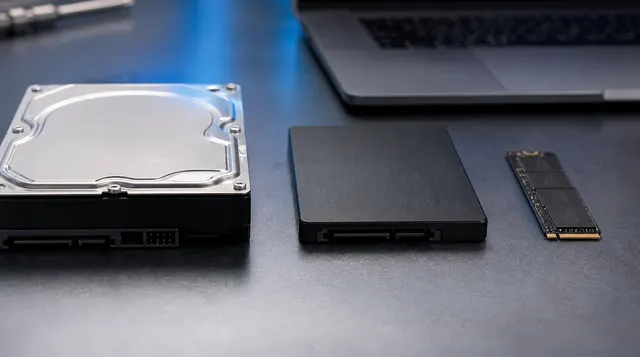
HDD vs SATA SSD vs NVMe: Which Storage Should You Buy?
HDDs fit bulk storage, SATA SSDs fit budget upgrades, and NVMe SSDs fit boot drives, VMs, games, and active workloads.