
Tutorials
Reverse Proxy Setup Without Security Mistakes: HTTPS for Homelab Apps
A security-first reverse proxy setup guide for homelab services, covering DNS, TLS, access controls, logging, updates, and what not to expose.
Windows 10 ESU and Windows 11 Privacy Survival Guide
A practical plan for staying patched after Windows 10 end of support, choosing ESU or Windows 11, and tightening privacy settings after migration.
Should Old Windows 10 PCs Become Proxmox or Linux Homelab Nodes?
Repurpose an older PC only after matching storage, memory, networking, support, power and recovery to a named workload. Protect authorized data before wiping, and prove off-host restoration before moving household infrastructure.
15 Router Security Settings to Audit Before Something Breaks
A practical home-router audit checklist for admin access, firmware, Wi-Fi security, guest networks, UPnP, WPS, and firewall validation.
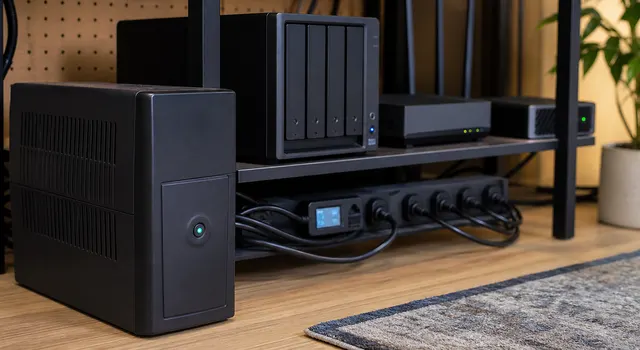
What Should Happen to Your Homelab During a Power Outage?
Plan outage shutdown by dependency: stop applications and VMs before their storage, and preserve the signaling network until shutdown finishes. Restart after stable power with networking and storage ready first.
Fix DNS Once: Router vs PC vs Browser, and How to Stop Settings Fighting
Trace router, operating-system, browser, VPN, and IPv6 DNS paths separately, then change one policy layer at a time and verify actual application behavior with rollback available.
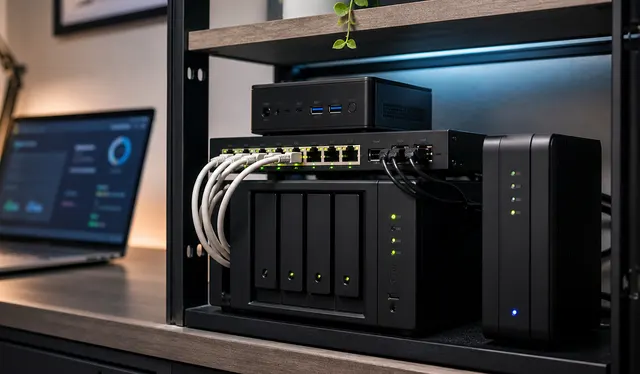
How Do You Document a Homelab So Someone Else Can Recover It?
Create a recovery packet someone else can use when you are unavailable. Record essential services, protected access, bills, shutdown boundaries and contacts, with an emergency sheet available outside the homelab.
Malware-Blocking DNS at Home: Set Up Filtering and Check Its Limits
Pilot malware-filtering DNS with harmless provider tests, then check IPv6, browser, and VPN paths; only lookups reaching the intended resolver receive its filtering policy.
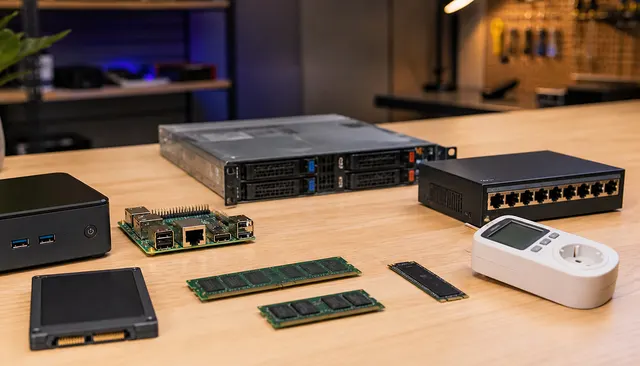
Used Enterprise Server vs Mini PC: Which Homelab Buy Makes Sense?
Compare the complete configured system, not just its form factor. Match workload, expansion, firmware support, power, noise and recovery needs before choosing a used enterprise server, workstation or mini PC.
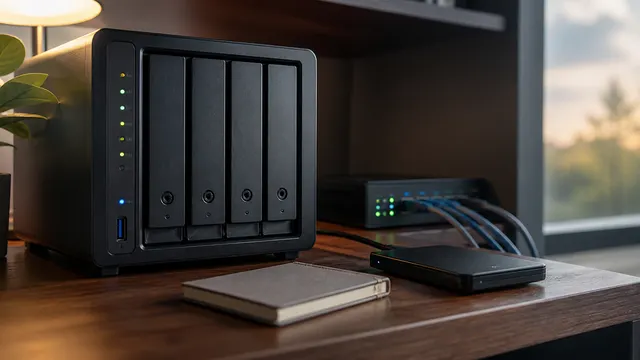
NAS vs DAS vs Mini PC: Which Storage Setup Should You Actually Buy?
A practical storage decision guide for choosing a NAS, DAS, or mini PC based on sharing, speed, apps, backup, and upkeep.