
Tutorials
Immich vs Google Photos: Which Photo Backup Setup Should You Trust?
Compare provider-operated Google Photos with self-managed Immich, then test phone uploads, metadata exports, and independent recovery before replacing the family library or deleting originals.
Local-First Smart Home Without Becoming a Sysadmin
Build a smart home that keeps working when the internet is down without turning the house into a fragile homelab.
How Do You Make DNS Keep Working When the Internet Is Down?
Serve local names without depending on a public resolver, and plan resolver-host resilience separately from WAN resilience. Test real client paths while recognizing that local DNS cannot replace cloud authentication or uncached public answers.
Syncthing vs Nextcloud vs Cloud Storage: Stop Using the Wrong Sync Tool
Syncthing, Nextcloud, and managed cloud drives solve different problems. Pick by sync model, sharing needs, trust, admin time, and backup plan.

Plex in 2026: What Still Works Free
A practical guide to what Plex still does without Plex Pass, where Remote Watch Pass matters, and when free local streaming is enough.
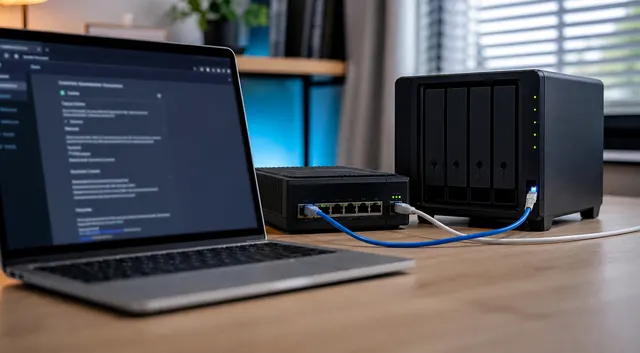
What Is the Safest Way to Expose One Self-Hosted App Publicly?
Keep a self-hosted app private when possible. If public access is necessary, limit its permissions, preserve private administration and test unauthorized and direct-origin requests as well as the intended login.

Mini PC vs Raspberry Pi for Homelabs: Which One Should Run Your Services?
A practical homelab decision guide for choosing between Raspberry Pi boards and x86 mini PCs for Docker, Proxmox, storage, networking, and always-on services.
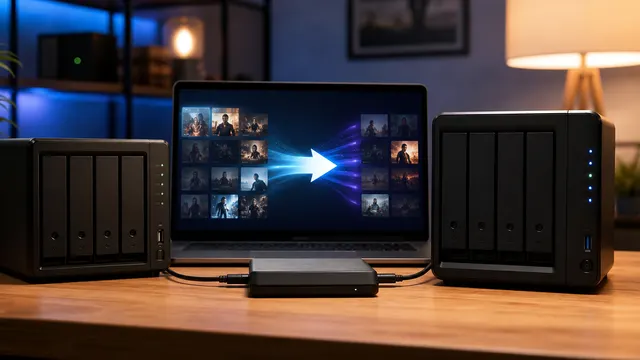
Move from Plex to Jellyfin Without Losing Your Rollback Path
Move from Plex to Jellyfin with a read-only parallel run, exact inventory steps, client acceptance checks, and restore and rollback gates before cutover.
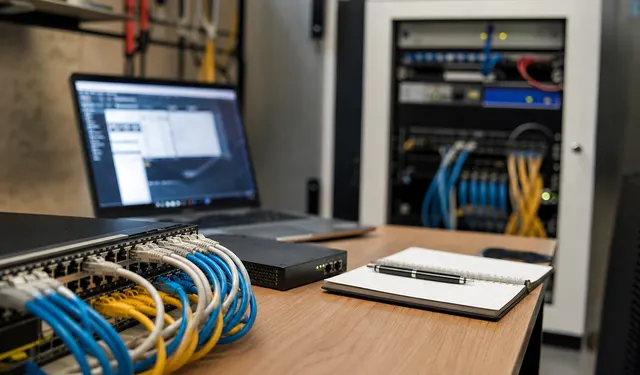
What Should You Monitor in a Homelab?
Monitor failures that affect household service or recovery, with an owner and response for each alert. Test notification and recovery paths that remain usable when the monitored system or network fails.
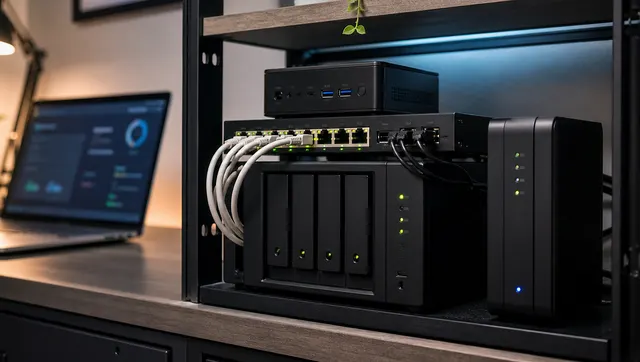
Beginner Proxmox Home Server Build: Safe Defaults for Your First Node
A beginner-friendly Proxmox build plan covering hardware, storage, networking, first VMs, backups, updates, and validation before trusting the server.