
Tutorials

The 2026 Travel Router Kit: Safer Hotel Wi-Fi Without Rebuilding Your Network
Prepare a travel router with updated firmware, a permitted captive-portal workflow, verified VPN and DNS settings, and an approved fallback before relying on hotel connectivity.
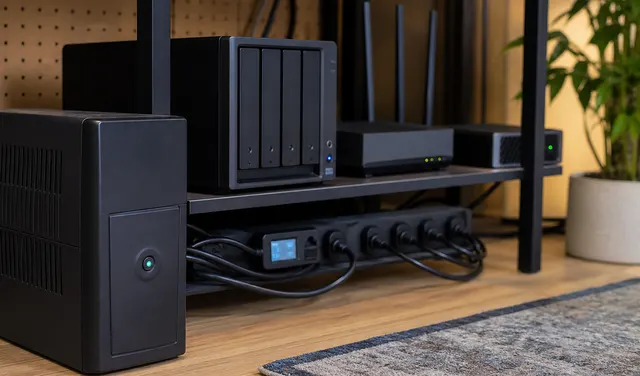
How Much Does a Homelab Really Cost in Electricity?
Estimate homelab electricity costs from representative energy use and the applicable tariff. Define the meter boundary so networking equipment, storage and UPS losses are counted once rather than overlooked or duplicated.
Google Drive Is Not a Backup: What It Protects, and What It Does Not
Google Drive is useful sync and sharing, but it is not a full recovery plan for deletion, ransomware, account loss, or bad sync events.

Wi-Fi 7 and Wi-Fi 8 Buyer Guide: What Is Real, What Is Marketing
Wi-Fi 7 can be worth it, but only if clients, backhaul, ports, and spectrum support it. Wi-Fi 8 is not a 2026 shopping requirement.
RAID, ZFS Snapshots, Sync, and Backup: What Each One Does Not Protect
Choose storage protection by failure mode: RAID for certain disk failures, snapshots for point-in-time state, sync for current changes and independent backups for recovery. Not every design needs all four.
The 3-2-1 Backup Rule in 2026: Keep It, But Add Two Checks
Plan three data copies across separate storage and failure boundaries, with an offsite copy, protected backup credentials, and clean-location restore tests before relying on job status.

Mesh Is Not Always the Answer: How to Fix Bad Wi-Fi the Right Way
Mesh can fix coverage, but it can also add latency, burn airtime, and hide the real problem. Diagnose first, then choose the right fix.
How Do You Back Up Docker Volumes and Databases Properly?
Back up Docker by backing up the data, configuration, and restore instructions, not the running container. For databases, use application-aware dumps or backup tools, then store those dumps with the volume backups.
Back Up a Windows PC to a NAS Automatically
Choose File History for selected Windows files or a supported image-backup agent for system recovery, using a dedicated NAS share, restricted credentials, and tested recovery access.
Matter in 2026: Buy, Wait, or Bridge?
Matter is useful now, but not universally better than native integrations or existing hubs. Decide when to buy native Matter gear, wait, or bridge what you own.