
NAS
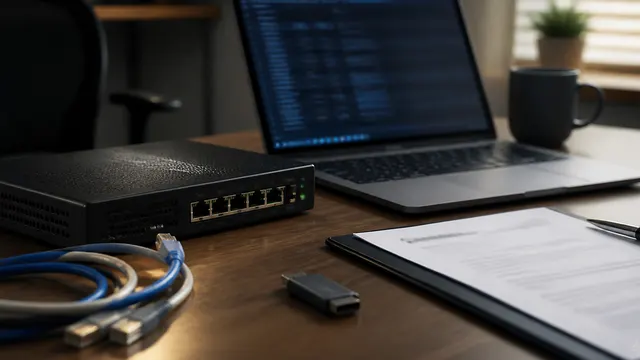
Edge Device Patch Priority Playbook
A patch-priority playbook for routers, firewalls, VPN gateways, NAS appliances, and other internet-facing edge devices.
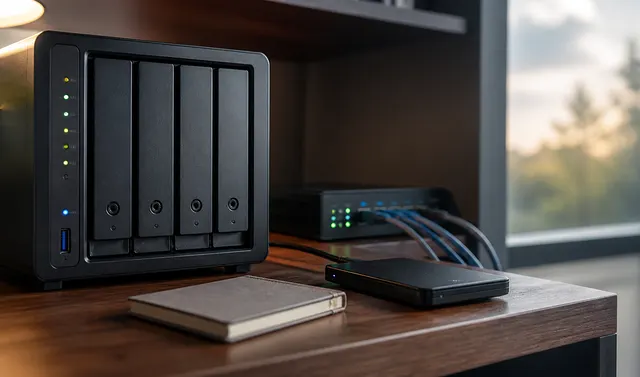
NAS Integrity for Home Labs: Scrubs, SMART, ECC, Checksums, and a Real Restore
A practical NAS integrity routine: ZFS scrubs, SMART tests, snapshots, checksums, ECC expectations, backup verification, and actual restore drills.
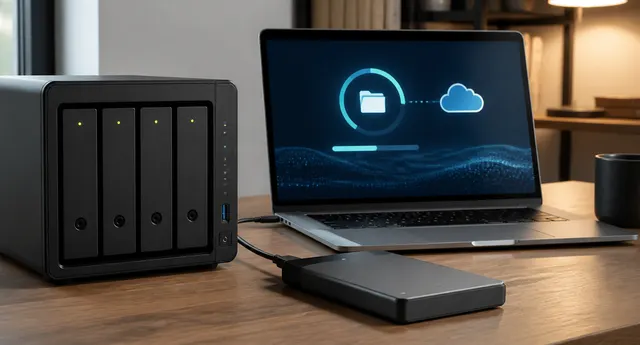
RAID vs Backup: What Each One Protects
Redundant RAID can preserve availability through specified drive failures, while independent backups preserve recovery history; RAID 0 has no redundancy, and neither array health nor copy status proves restoration.
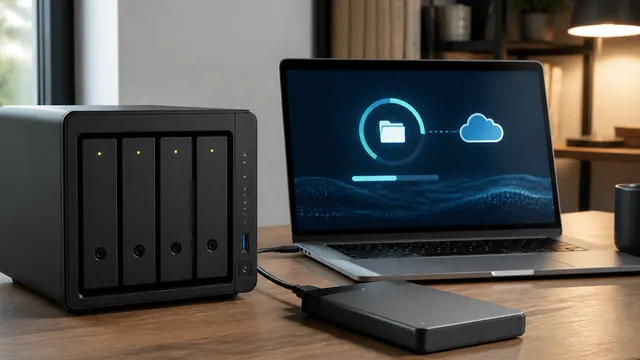
NAS vs DAS vs Cloud: Choosing Storage by Workflow
NAS shares storage over the network, DAS attaches directly to one computer, and cloud storage syncs or hosts data through a provider.
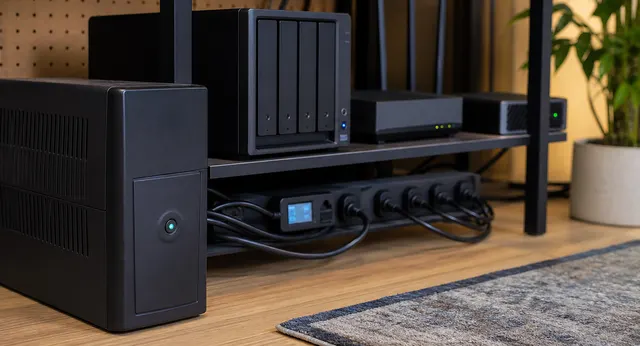
One UPS, Many Devices: NUT Shutdown for Proxmox, NAS, Router, and Docker Hosts
A practical NUT architecture for coordinating clean shutdown across Proxmox, NAS, Docker hosts, and network gear from one UPS.
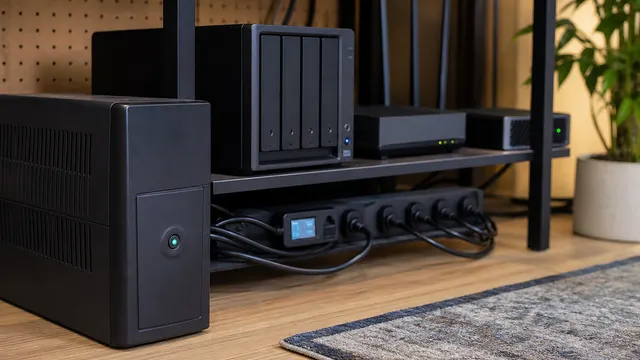
UPS Buying Guide for Home Servers: Runtime Is Not the Main Point
A practical UPS buying guide for home servers, NAS devices, routers, and homelabs focused on clean shutdown, sizing, USB signaling, and battery maintenance.
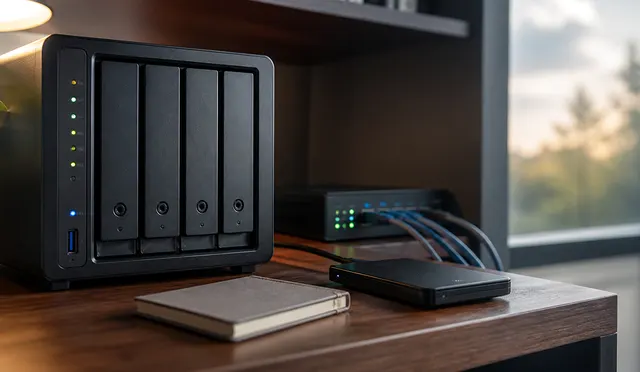
NAS vs DAS vs Mini PC: The Storage Decision Tree
A practical decision tree for choosing NAS, DAS, or mini PC storage based on who needs the files, how apps run, and how recovery should work.

The Beginner Homelab Buying Guide: Start Small, Upgrade Later
Choose a first homelab host around one workload, storage, backup, power, and expansion needs; check exact hardware specifications and total costs before adding a rack of equipment.
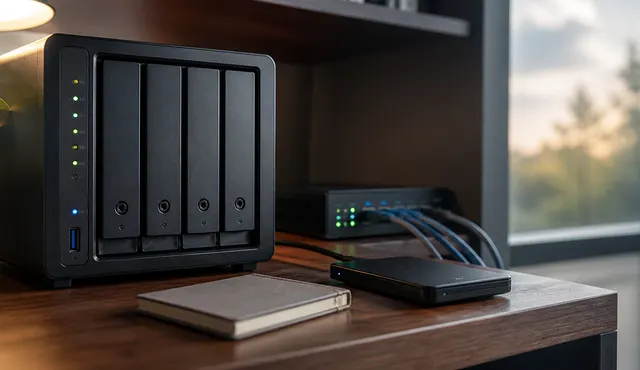
Homelab Backup Strategy: NAS, Offsite Copies, and Restore Tests
A practical homelab backup strategy covering 3-2-1 design, NAS backups, offsite copies, immutable or offline protection, and restore drills.
Back Up a Windows PC to a NAS Automatically
Choose File History for selected Windows files or a supported image-backup agent for system recovery, using a dedicated NAS share, restricted credentials, and tested recovery access.