
Backups
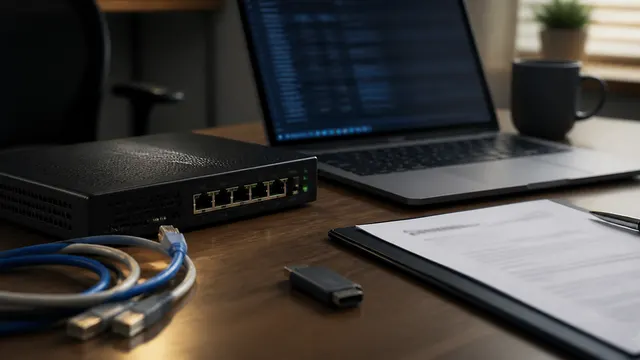
WordPress Core Under Active Exploitation: Verify the Fix and Investigate Possible Compromise
Updating WordPress core is only the first step. Use this checklist to verify versions, checksums, users, cron, uploads, logs, WAF data, and rebuild criteria.
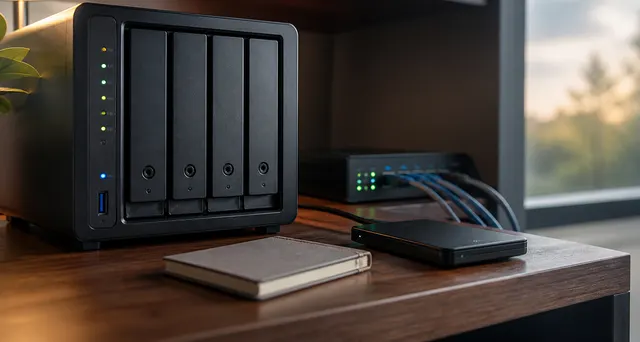
Immich as the De-Google Gateway: Great App, Serious Backup Responsibility
Plan an Immich photo service with protected originals, database backups, controlled access, and isolated restore tests before migrating the family archive; mobile synchronization alone is not a backup.
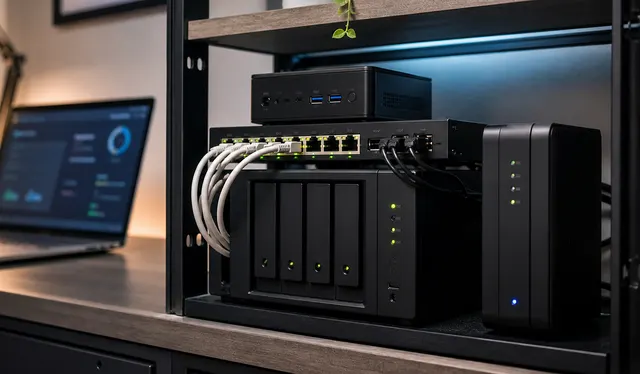
The 2026 Self-Hosted Starter Stack: A Proposed Design
A pragmatic 2026 self-hosted starter stack: host OS, Docker Compose, DNS, remote access, reverse proxy, backups, monitoring, and daily-driver apps.
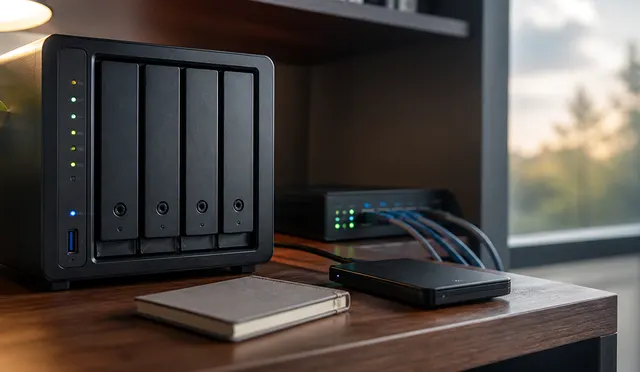
NAS vs DAS vs Mini PC: The Storage Decision Tree
A practical decision tree for choosing NAS, DAS, or mini PC storage based on who needs the files, how apps run, and how recovery should work.
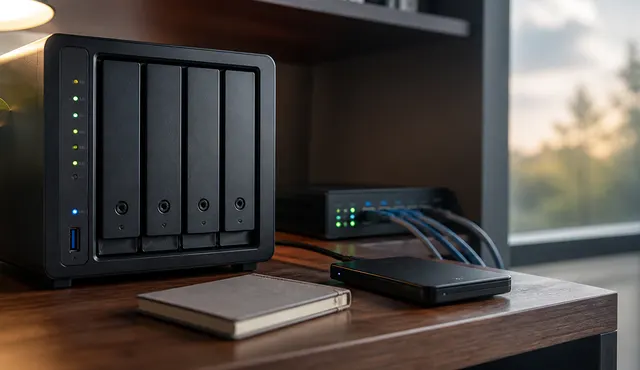
Homelab Backup Strategy: NAS, Offsite Copies, and Restore Tests
A practical homelab backup strategy covering 3-2-1 design, NAS backups, offsite copies, immutable or offline protection, and restore drills.
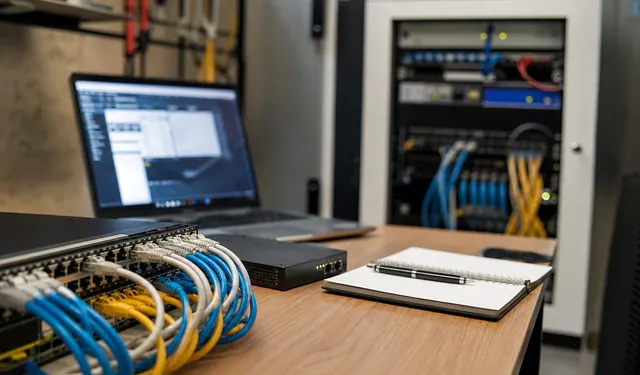
What Should You Monitor in a Homelab?
Monitor failures that affect household service or recovery, with an owner and response for each alert. Test notification and recovery paths that remain usable when the monitored system or network fails.

What Not to Self-Host in 2026: A Practical Risk List for Homelabs
A realistic self-hosting risk guide covering email, passwords, identity, family-critical data, public dashboards, backups, and safer alternatives.
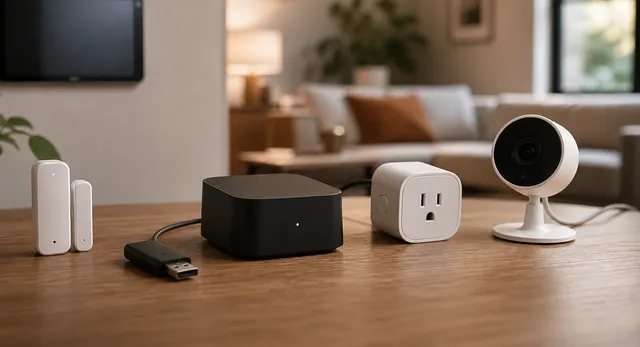
Local-First Smart Home Without Becoming a Sysadmin
Build a smart home that keeps working when the internet is down without turning the house into a fragile homelab.
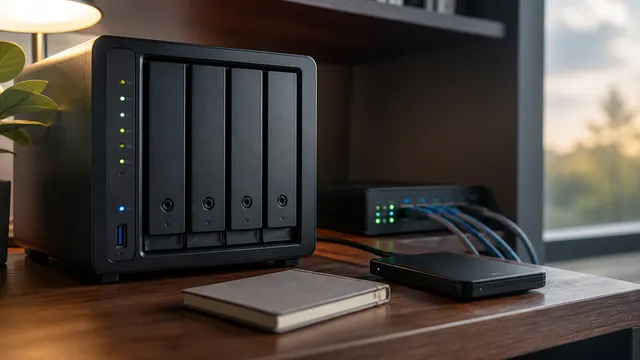
RAID, ZFS Snapshots, Sync, and Backup: What Each One Does Not Protect
Choose storage protection by failure mode: RAID for certain disk failures, snapshots for point-in-time state, sync for current changes and independent backups for recovery. Not every design needs all four.
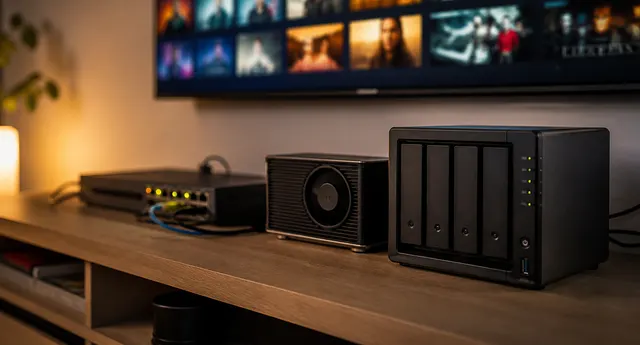
Back Up and Restore Jellyfin and the Media Automation Stack
Protect Jellyfin, Plex, Arr, SABnzbd, and Tdarr state with consistent encrypted backups, an explicit restore order, and an isolated recovery test.