
Backup
Time Machine vs iCloud Drive: Backup vs Sync
Use iCloud Drive for synchronization and a separate backup system for recovery history; verify cloud-only files are covered and test restoration before erasing a Mac or backup disk.
RAID vs Backup: What Each One Protects
Redundant RAID can preserve availability through specified drive failures, while independent backups preserve recovery history; RAID 0 has no redundancy, and neither array health nor copy status proves restoration.
NAS vs DAS vs Cloud: Choosing Storage by Workflow
NAS shares storage over the network, DAS attaches directly to one computer, and cloud storage syncs or hosts data through a provider.
3-2-1 Backup Rule Explained for Real Homes
Keep three copies of important data on two media types, with one offsite; protect recovery credentials and test restores because copy counts alone do not establish recoverability.
Google Drive Is Not a Backup: What It Protects, and What It Does Not
Google Drive is useful sync and sharing, but it is not a full recovery plan for deletion, ransomware, account loss, or bad sync events.
Back Up a Windows PC to a NAS Automatically
Choose File History for selected Windows files or a supported image-backup agent for system recovery, using a dedicated NAS share, restricted credentials, and tested recovery access.
Syncthing vs Nextcloud vs Cloud Storage: Stop Using the Wrong Sync Tool
Syncthing, Nextcloud, and managed cloud drives solve different problems. Pick by sync model, sharing needs, trust, admin time, and backup plan.
How Do You Back Up Docker Volumes and Databases Properly?
Back up Docker by backing up the data, configuration, and restore instructions, not the running container. For databases, use application-aware dumps or backup tools, then store those dumps with the volume backups.
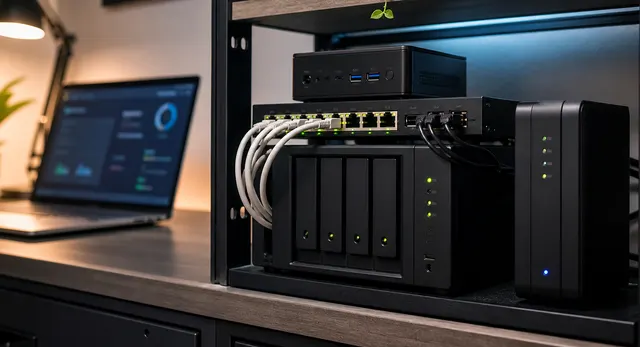
One Shared Database Server or One Database Per App?
Choose shared or per-app databases by engine compatibility, maintenance needs and failure boundaries. Separate application credentials in either design, and account for shared downtime and post-cutover writes before consolidating.
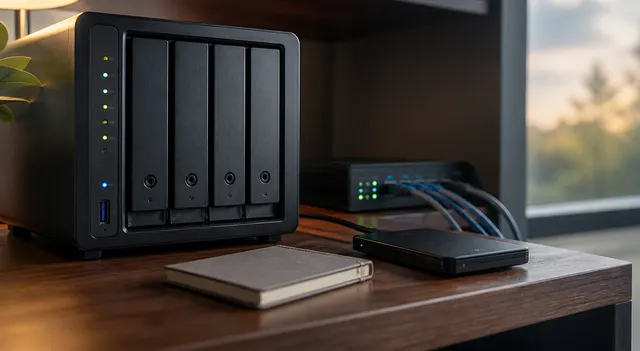
How to Build Cheap Offsite Backup at a Friend or Family Member's House
Plan encrypted offsite backups at a consenting household through a private tunnel, with agreed transfer limits and independently stored keys. Test recovery over the real connection; encryption alone does not prevent deletion.