
Cisco

Password Manager vs Browser Passwords
Compare browser, operating-system, and dedicated password managers by device support, sharing, and recovery needs; protect the sync account and treat exports as plaintext unless documented otherwise.

SMS vs TOTP vs Push vs Passkeys vs Hardware Keys
SMS, TOTP, push, passkeys, and hardware keys protect accounts differently. Use phishing-resistant MFA where it matters most.

Tailscale vs WireGuard vs Cloudflare Tunnel vs Reverse Proxy
A practical remote access comparison: Tailscale, raw WireGuard, Cloudflare Tunnel, and reverse proxies solve different homelab problems.
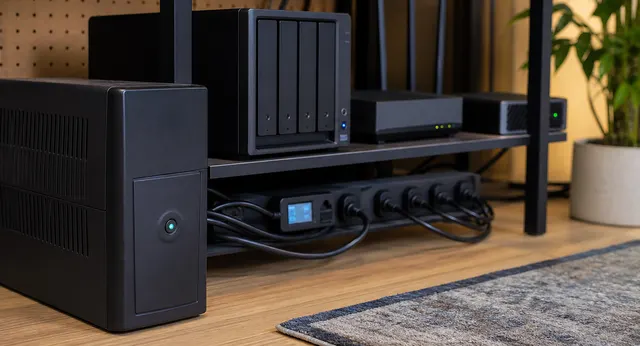
One UPS, Many Devices: NUT Shutdown for Proxmox, NAS, Router, and Docker Hosts
A practical NUT architecture for coordinating clean shutdown across Proxmox, NAS, Docker hosts, and network gear from one UPS.
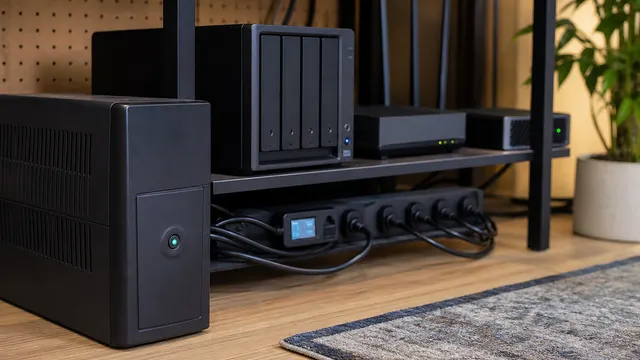
UPS Buying Guide for Home Servers: Runtime Is Not the Main Point
A practical UPS buying guide for home servers, NAS devices, routers, and homelabs focused on clean shutdown, sizing, USB signaling, and battery maintenance.

Cisco Catalyst C9550 vs C9350: Choose the Right Campus Role
Map C9350 access requirements and an incumbent C9500 design to a C9550 model, then verify software, optics, licensing, failure tests, and rollback before migration.

Cisco Live 2026 Lab Build: A Small-Scale Reference Architecture
Plan an isolated lab for segmentation, branch routing, private-app access, telemetry, and governed changes, with failure and rollback exercises; this is a proposed build, not reported test results.

Branch Network Design for the AI Era
AI-era branch design needs SD-WAN, SSE, secure access, local resilience, application steering, Wi-Fi capacity, segmentation, and experience telemetry.

A Practical Post-Quantum Readiness Checklist for Network Teams
A practical checklist for network teams preparing for post-quantum cryptography: inventory, risk ranking, platform support, certificates, VPNs, secure boot, and refresh planning.
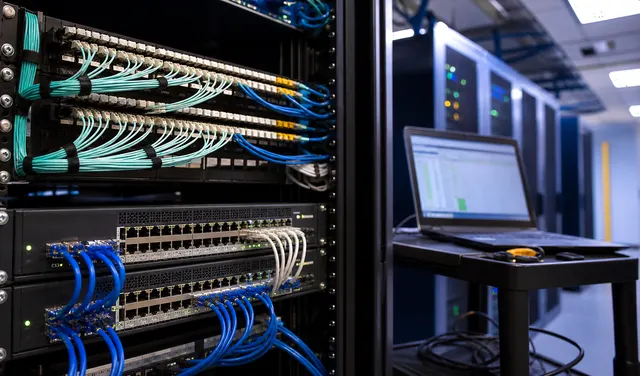
Resilience Planning for Cisco Networks: Patch, Shield, Replace, or Segment
A practical resilience model for Cisco networks should classify each exposure into patch, shield, replace, or segment, with owners, deadlines, and evidence.