
Wi-Fi

Fix Sticky Wi-Fi Clients: 802.11k/v/r, Minimum RSSI, and Roaming Tests
A practical sticky-client Wi-Fi guide: AP placement, transmit power, 802.11k/v/r, minimum RSSI, Apple behavior, controller settings, and roaming tests.

2.4 GHz vs 5 GHz vs 6 GHz: What Should Go Where?
A practical Wi-Fi band-planning guide explaining which devices belong on 2.4 GHz, 5 GHz, and 6 GHz networks in Wi-Fi 6E and Wi-Fi 7 homes.

Where Should You Put Your Wi-Fi Access Points?
A practical Wi-Fi AP placement guide for homes and small offices, covering ceiling APs, wired backhaul, multi-floor layouts, RF obstacles, and validation.
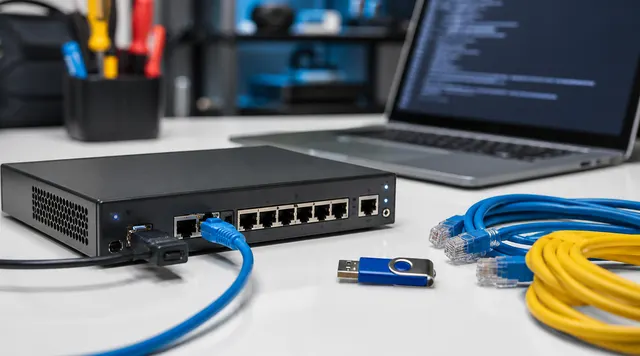
OpenWrt 24.10.8 and 25.12 Migration Runbook: Patch, Backup, Sysupgrade, and Recovery
An OpenWrt router upgrade runbook for patching exposed services, preserving config, checking device support, testing DHCP, Wi-Fi, DNS, and keeping recovery ready.
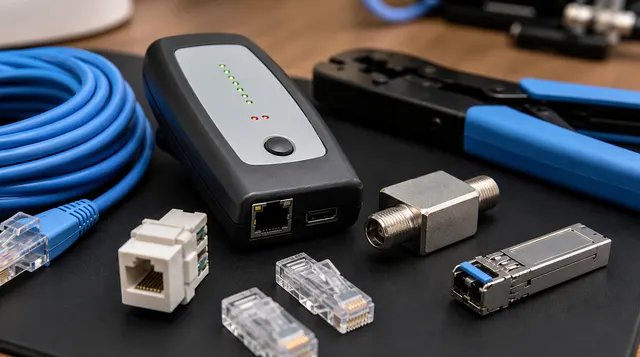
MoCA Explained: Wired Networking Over Your Home's Existing Coax
A practical MoCA guide for turning existing coax into Ethernet-style wired backhaul for APs, consoles, PCs, and streaming devices.

Mesh vs Wired Access Points: The Home Network Decision Tree
A practical decision tree for choosing mesh Wi-Fi, wired access points, MoCA backhaul, and PoE APs in a real home network.
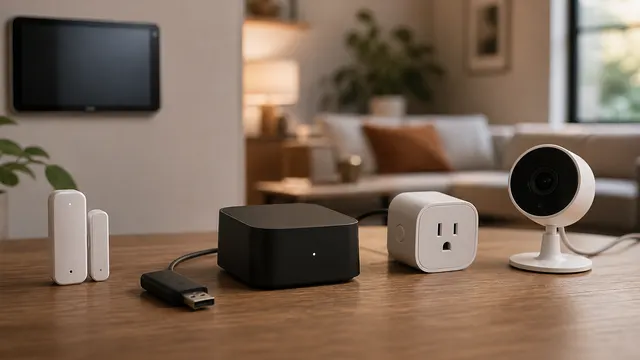
Matter, Thread, Zigbee, and Wi-Fi Explained
Matter is an application standard. Thread, Zigbee, and Wi-Fi are network technologies. Buying smart home devices gets easier when you separate those jobs.

2.4 vs 5 vs 6 GHz Wi-Fi: Which Band to Use
Choose a Wi-Fi band by client support, coverage, congestion, and backhaul: 2.4 GHz for compatible low-bandwidth devices, 5 GHz for everyday use, and nearby 6 GHz where supported.