
Networking
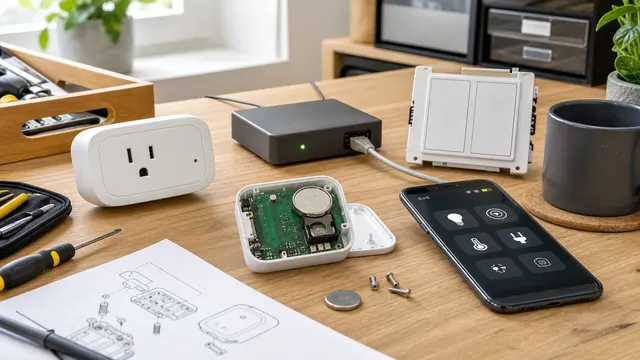
Repairable Smart-Home Device Checklist: Parts, Recovery, and Cloud Exit
Before the return window closes, verify replaceable service parts, local operation, firmware support, documented reset and re-pairing, backup and recovery, and a workable exit from the vendor's hub or cloud.
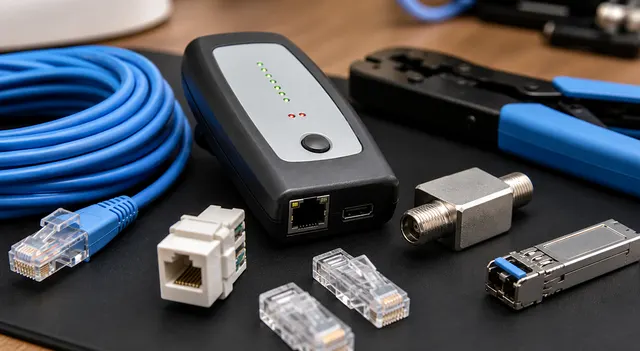
Is Your Ethernet Cable Slowing Down Your Network? Test It Before You Replace It
Learn how to prove whether an Ethernet cable is limiting speed, why links fall to 100 Mbps, and when Cat5e, Cat6, Cat6A, or a better installation is the real fix.
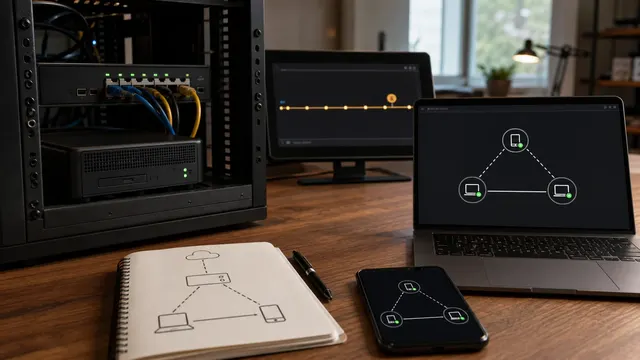
Tailscale vs Headscale: What Self-Hosting the Control Plane Changes
Headscale moves Tailscale-compatible coordination, identity integration, policy distribution, upgrades, and recovery into your infrastructure. It does not automatically move peer traffic, remove DERP, or eliminate endpoint and application security work.
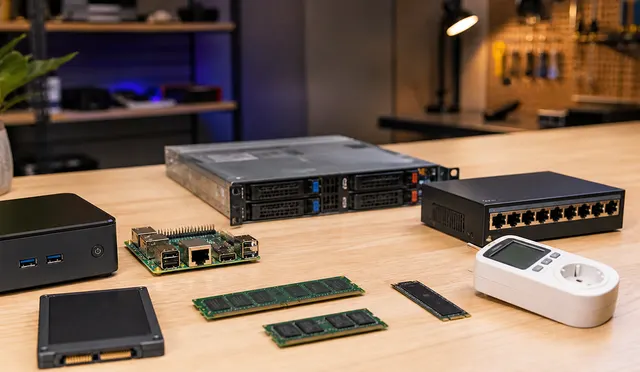
Stop Overpaying for Home Networking Gear: What Is Actually Worth Buying?
Choose networking upgrades for a measured bottleneck or a defined reliability need. Compare coverage, latency, throughput and the complete operating cost before paying for faster radios, extra ports or premium management features.

UniFi VLANs Without Breaking AirPlay, Printers, and Smart Home Gear
A UniFi VLAN guide for keeping AirPlay, AirPrint, printers, casting, HomeKit, and smart-home devices usable without flattening the network.

PisoWiFi E-Wallet Reconciliation When Webhooks Retry
Keep payment events, authoritative status and applied PisoWiFi credit linked but distinct. Design for duplicate webhooks, concurrent delivery and restarts without double credit or restoration of a stale transaction ledger.

2.4 GHz vs 5 GHz vs 6 GHz: What Should Go Where?
A practical Wi-Fi band-planning guide explaining which devices belong on 2.4 GHz, 5 GHz, and 6 GHz networks in Wi-Fi 6E and Wi-Fi 7 homes.

Where Should You Put Your Wi-Fi Access Points?
A practical Wi-Fi AP placement guide for homes and small offices, covering ceiling APs, wired backhaul, multi-floor layouts, RF obstacles, and validation.
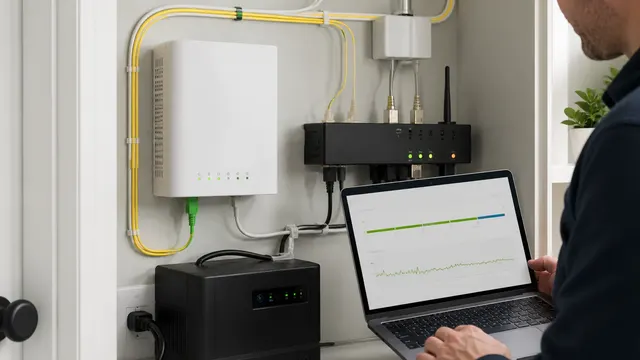
How to Monitor Home Fiber: ONT Signals, Optical Power, and Failover
Monitor FTTH from the customer side using approved ONT status, Ethernet and router counters, latency and loss baselines, full-path UPS coverage, and controlled failover tests, then turn the results into useful ISP evidence.
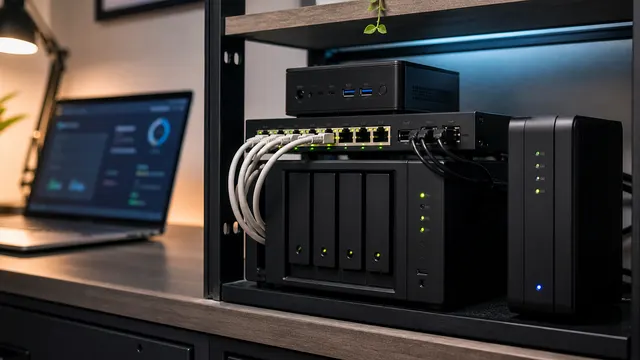
Proxmox Networking Without Tears
A practical Proxmox networking guide for bridges, VLAN-aware ports, management IPs, bonds, NAT, SDN, and safe change validation.