
Homelab
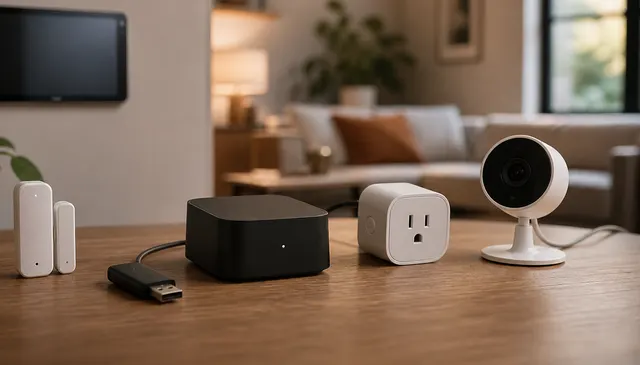
Matter in 2026: Buy, Wait, or Bridge?
Matter is useful now, but not universally better than native integrations or existing hubs. Decide when to buy native Matter gear, wait, or bridge what you own.
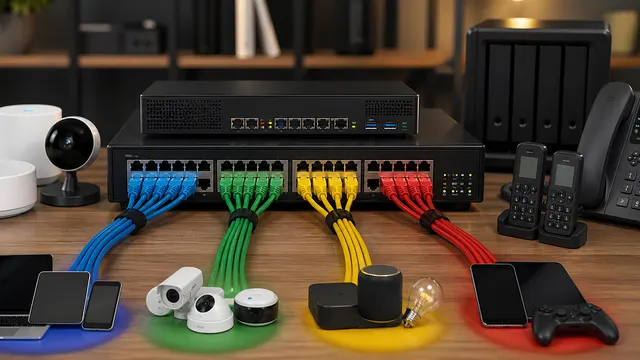
What Is the Right VLAN Layout for a Beginner Homelab?
Build a small set of explainable trust zones with explicit firewall, DHCP and DNS plans. Keep experimental workloads separate from infrastructure management when their access needs differ, and preserve a recovery path.
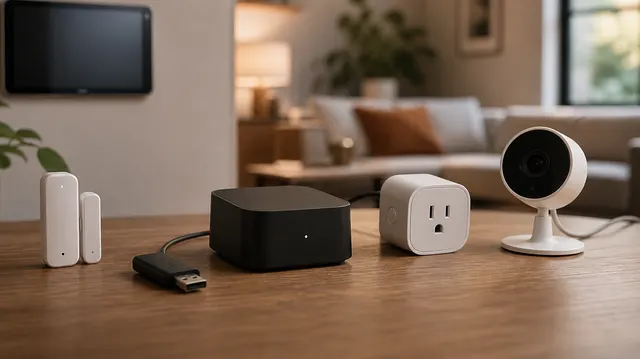
Zigbee vs Thread for Home Assistant: Which Mesh Should You Build?
Keep a working Zigbee mesh and add Thread when a required accessory needs it. Compare exact Home Assistant support, radio placement, controller dependencies and recovery before changing household routines.
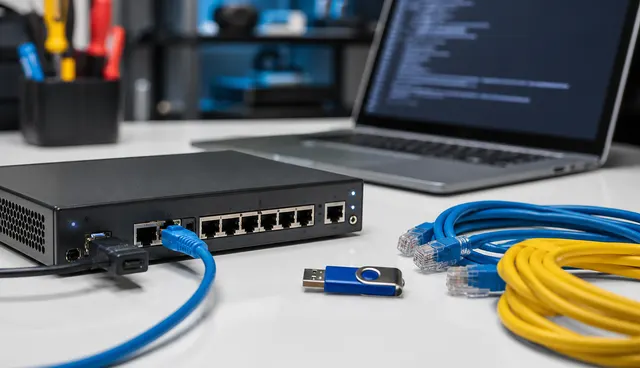
OPNsense, pfSense, UniFi, or Consumer Router: Which Should Run Your Homelab?
Compare router platforms by ISP requirements, policy, VPNs, enabled-feature workload and recovery. Evaluate exact models and releases rather than treating a dashboard, feature list or integrated management as proof of throughput or isolation.
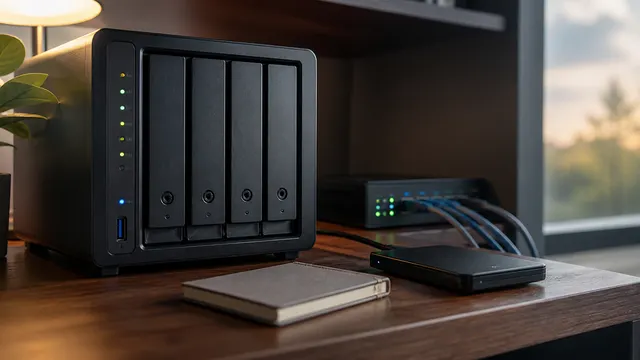
NAS vs DAS vs Mini PC: Which Storage Setup Should You Actually Buy?
A practical storage decision guide for choosing a NAS, DAS, or mini PC based on sharing, speed, apps, backup, and upkeep.
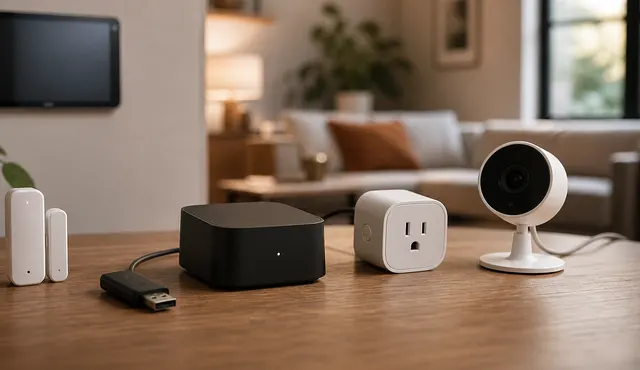
Smart Home VLAN, Guest Wi-Fi, or Second SSID?
Smart-home isolation can improve security, but it can also break discovery, Matter, Thread border routers, casting, and app setup.
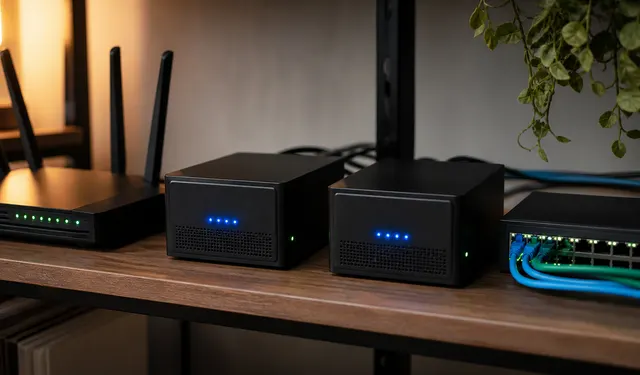
How Do You Make DNS Keep Working When the Internet Is Down?
Serve local names without depending on a public resolver, and plan resolver-host resilience separately from WAN resilience. Test real client paths while recognizing that local DNS cannot replace cloud authentication or uncached public answers.
Google Drive Is Not a Backup: What It Protects, and What It Does Not
Google Drive is useful sync and sharing, but it is not a full recovery plan for deletion, ransomware, account loss, or bad sync events.
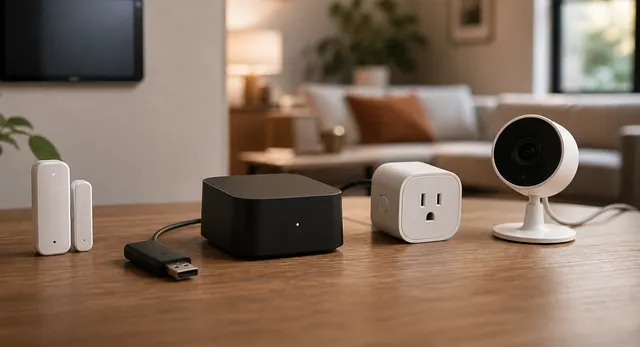
Local-First Smart Home Without Becoming a Sysadmin
Build a smart home that keeps working when the internet is down without turning the house into a fragile homelab.
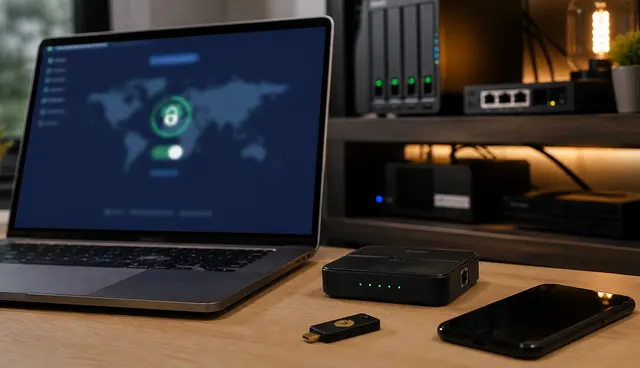
Cloudflare Tunnel vs Tailscale vs WireGuard vs NetBird: Which Remote Access Tool Fits?
Choose remote access by users, services and operating responsibility. Compare private overlays, managed or self-operated keys and published web paths, keeping authentication and authorization separate from the encrypted tunnel.