
Windows
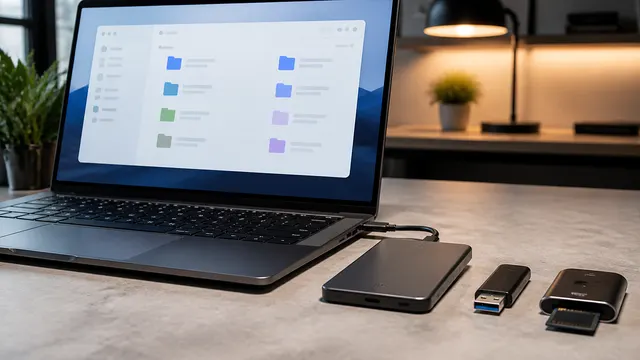
NTFS vs exFAT vs FAT32: Which Format Should You Use?
07/15/2026
Choose NTFS for Windows-native storage, exFAT for tested cross-platform transfers, or FAT32 when required; FAT32 files must be smaller than 4 GiB, and formatting requires a verified separate backup.
FileVault vs BitLocker: Full-Disk Encryption on Mac and Windows
07/15/2026
Compare FileVault and BitLocker for data-at-rest protection, verifying device status, accessible recovery material, and an independent backup; encryption does not protect files in an unlocked session.
BitLocker Recovery Key Explained Before You Need It
07/15/2026
Retrieve BitLocker recovery information before firmware or hardware changes; match the displayed key ID to its stored record, then use the associated 48-digit recovery password.
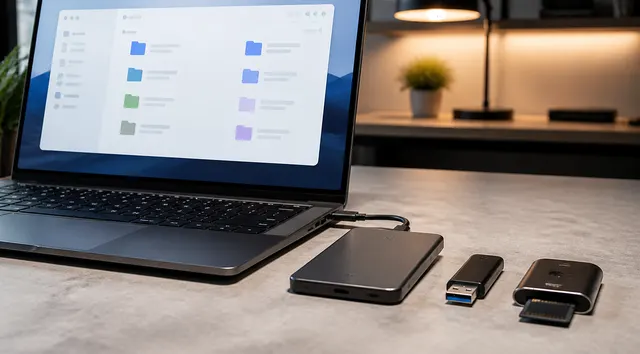
APFS vs exFAT vs NTFS: Mac and Windows Drive Formats Explained
07/15/2026
APFS is the modern Mac format, exFAT is the practical Mac/Windows removable-drive format, and NTFS is the Windows-native format.