
MFA
Email Is the Root Account: Lock It Down Before Anything Else
Protect the mailbox that receives high-impact account resets and map its actual recovery dependencies. Review hidden access and independent fallback methods without assuming every linked service uses the same recovery model.
Homelab SSO: Authentik vs Authelia vs Pocket ID
A practical homelab SSO comparison covering Authentik, Authelia, Pocket ID, OIDC, SAML, proxy auth, passkeys, MFA, and recovery planning.
SMS vs TOTP vs Push vs Passkeys vs Hardware Keys
SMS, TOTP, push, passkeys, and hardware keys protect accounts differently. Use phishing-resistant MFA where it matters most.
Passkeys Still Need a Backup Plan
Passkeys reduce phishing risk, but phones, hardware keys, cloud sync, and account recovery still need documented fallback before critical accounts depend on them.
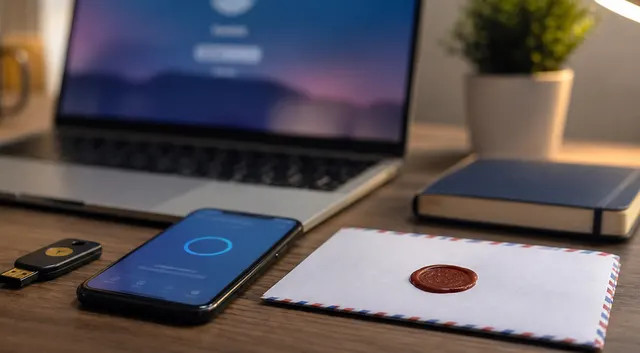
Browser Password Managers vs Dedicated Vaults: How to Choose
Choose Chrome, Edge, Firefox, Apple Passwords, Bitwarden, or 1Password based on devices, sharing, recovery, and threat model.
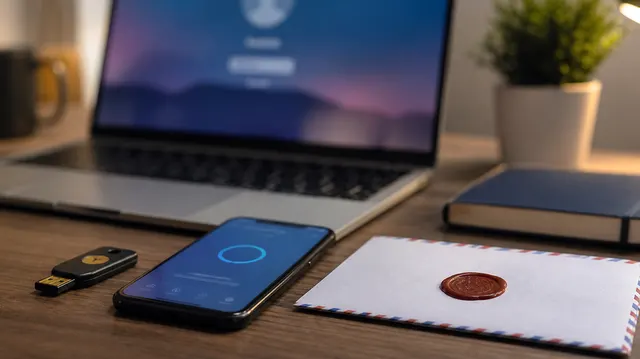
How Do You Recover From Losing TOTP, Passkeys, or Password Vault Access?
If account access is lost, preserve working sessions and use enrolled recovery methods from a trusted device. Follow the provider's official process without assuming recovery is guaranteed, then establish an independent fallback.