
Linux and Homelab
The Complete Plex, Arr, and Tdarr Homelab Media Automation Series
Navigate the Plex, Arr, and Tdarr guides in dependency order, from storage and permissions to controlled imports, playback checks, private access, backups, and recovery testing.
How Seerr and Tracearr Fit Into a Plex, Arr, and Tdarr Homelab
Separate Seerr request approval, Arr imports, Tdarr processing, and Tracearr playback analytics, then validate one authorized request-to-playback path with manual approvals and alert-only monitoring.
Tracearr Setup Guide for Plex, Jellyfin, and Emby Monitoring
Deploy Tracearr with Docker, connect Plex, Jellyfin, or Emby, validate live sessions and alert-only rules, and preserve a recoverable monitoring history.
Move from Plex to Jellyfin Without Losing Your Rollback Path
Move from Plex to Jellyfin with a read-only parallel run, exact inventory steps, client acceptance checks, and restore and rollback gates before cutover.
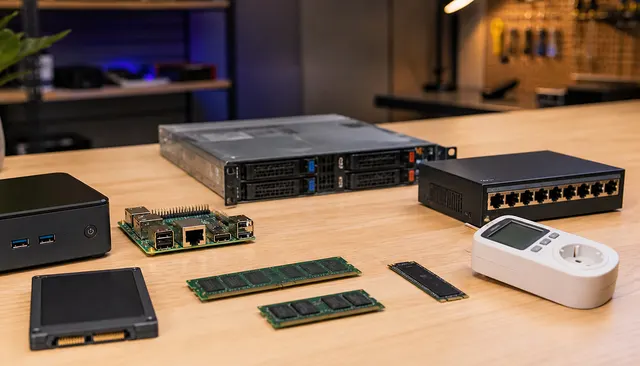
Used Enterprise Server vs Mini PC: Which Homelab Buy Makes Sense?
Compare the complete configured system, not just its form factor. Match workload, expansion, firmware support, power, noise and recovery needs before choosing a used enterprise server, workstation or mini PC.
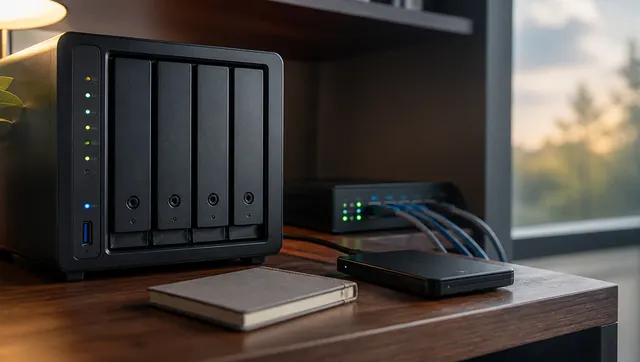
How Do You Back Up Docker Volumes and Databases Properly?
Back up Docker by backing up the data, configuration, and restore instructions, not the running container. For databases, use application-aware dumps or backup tools, then store those dumps with the volume backups.
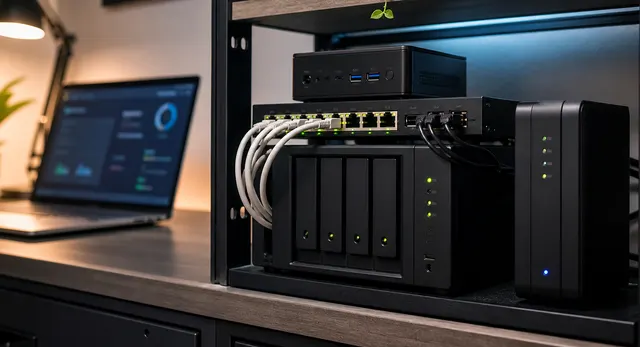
One Shared Database Server or One Database Per App?
Choose shared or per-app databases by engine compatibility, maintenance needs and failure boundaries. Separate application credentials in either design, and account for shared downtime and post-cutover writes before consolidating.
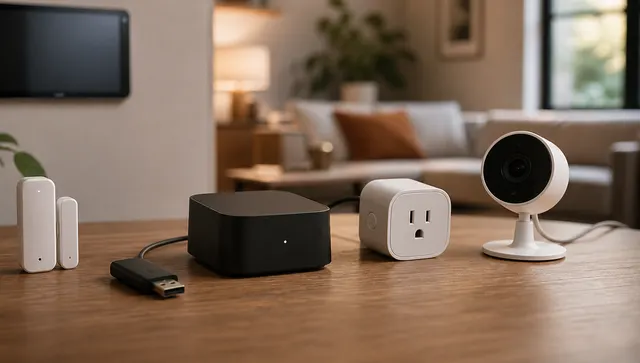
Home Assistant OS vs Docker vs VM: Which Install Is Right?
Choose Home Assistant OS for integrated management or Container for deliberately managed companion services. A VM is a hosting choice, not a third installation type; compare radio access, backups and recovery dependencies.
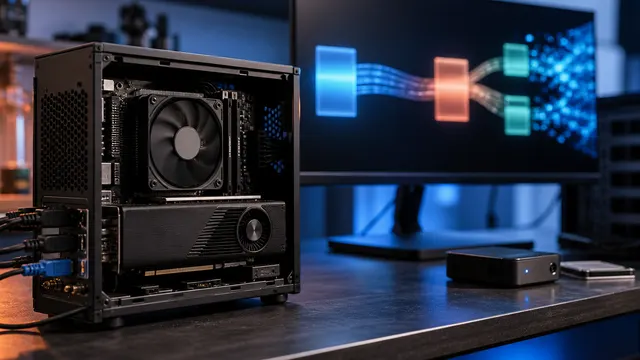
Quick Sync vs NVIDIA vs Intel Arc for Plex and Jellyfin Transcoding
Choose Quick Sync, NVIDIA, or Intel Arc from current codec support, driver and container fit, tone mapping, power, and measured concurrent demand.
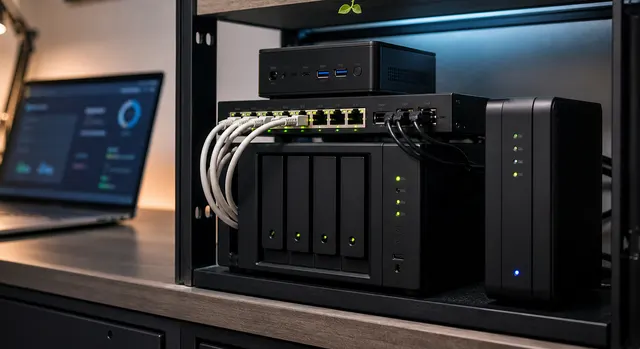
Should Old Windows 10 PCs Become Proxmox or Linux Homelab Nodes?
Repurpose an older PC only after matching storage, memory, networking, support, power and recovery to a named workload. Protect authorized data before wiping, and prove off-host restoration before moving household infrastructure.