
VRAM
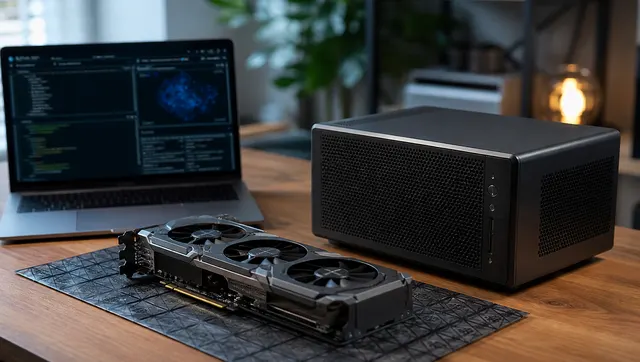
Running Local AI Alongside Media Services Without Fighting Your GPU
09/02/2026
Run Ollama, Tdarr, Plex, Jellyfin, and Frigate on the same homelab more safely by understanding NVENC, NVDEC, CUDA, VRAM, scheduling, and monitoring.
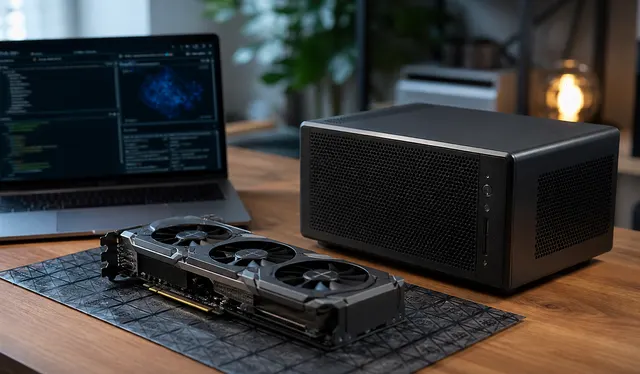
Performance Tuning Ollama and Local LLMs Without Guesswork
09/02/2026
Tune Ollama from a repeatable baseline, checking model fit, context, memory placement, concurrency, and answer quality; change one setting at a time and keep a rollback path.
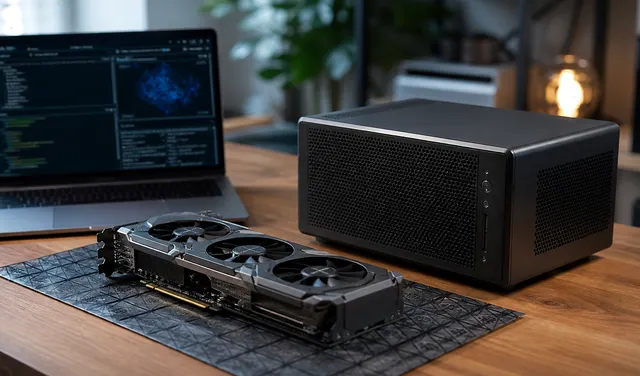
Local AI Hardware Sizing: CPU, NPU, GPU, RAM, and VRAM
08/27/2026
A local AI hardware sizing guide explaining model memory, quantization, KV cache, CPU-only use, NPUs, GPUs, RAM, VRAM, and upgrade tiers.
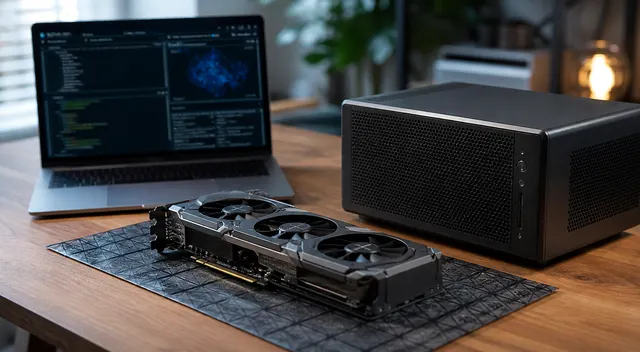
Building the Right PC for Local AI
08/27/2026
A plain-English guide to choosing the right CPU, RAM, GPU, VRAM, storage, power supply, and cooling for a local AI homelab PC.
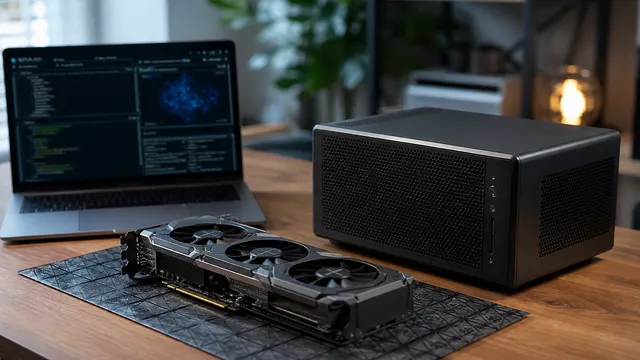
NVIDIA vs Intel Arc for Ollama and Local AI Workloads
07/06/2026
Check exact NVIDIA and Intel Arc support, memory fit, drivers, and GPU placement before buying hardware for Ollama, llama.cpp, or LM Studio.