
Docker
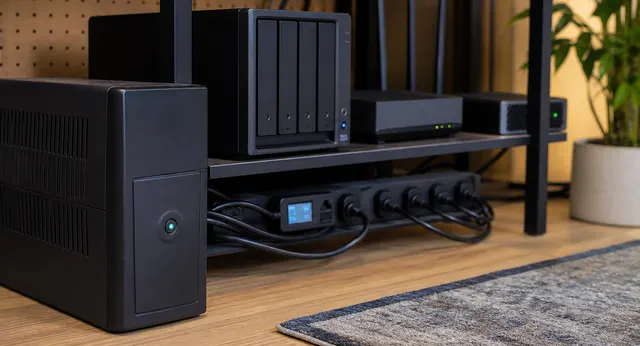
One UPS, Many Devices: NUT Shutdown for Proxmox, NAS, Router, and Docker Hosts
A practical NUT architecture for coordinating clean shutdown across Proxmox, NAS, Docker hosts, and network gear from one UPS.

Mini PC vs Raspberry Pi for Homelabs: Which One Should Run Your Services?
A practical homelab decision guide for choosing between Raspberry Pi boards and x86 mini PCs for Docker, Proxmox, storage, networking, and always-on services.
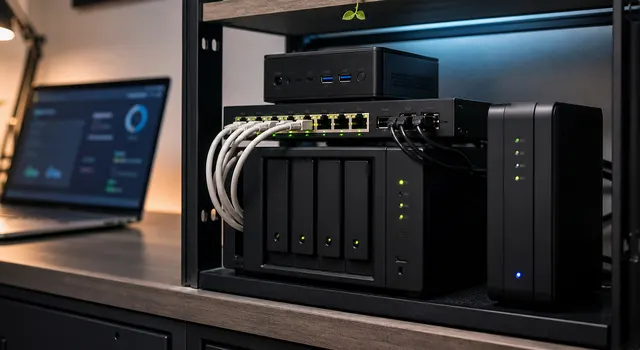
Docker Compose for Normal People: Run Home Services Without Container Chaos
A plain-English Docker Compose guide for running home services with understandable folders, volumes, ports, environment files, updates, and backups.
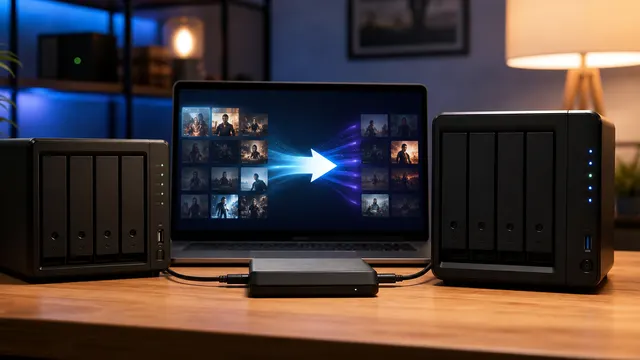
Move from Plex to Jellyfin Without Losing Your Rollback Path
Move from Plex to Jellyfin with a read-only parallel run, exact inventory steps, client acceptance checks, and restore and rollback gates before cutover.
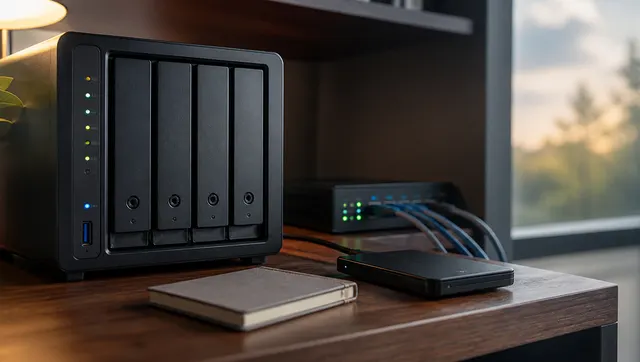
How Do You Back Up Docker Volumes and Databases Properly?
Back up Docker by backing up the data, configuration, and restore instructions, not the running container. For databases, use application-aware dumps or backup tools, then store those dumps with the volume backups.
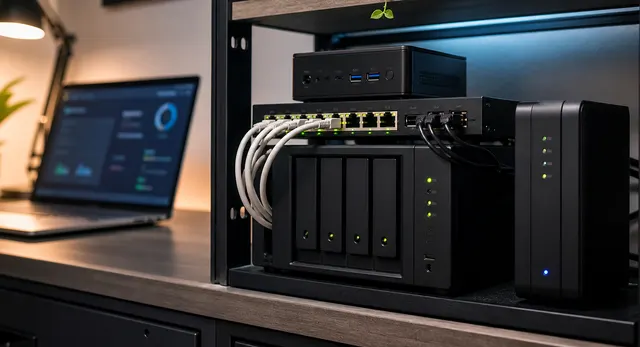
One Shared Database Server or One Database Per App?
Choose shared or per-app databases by engine compatibility, maintenance needs and failure boundaries. Separate application credentials in either design, and account for shared downtime and post-cutover writes before consolidating.
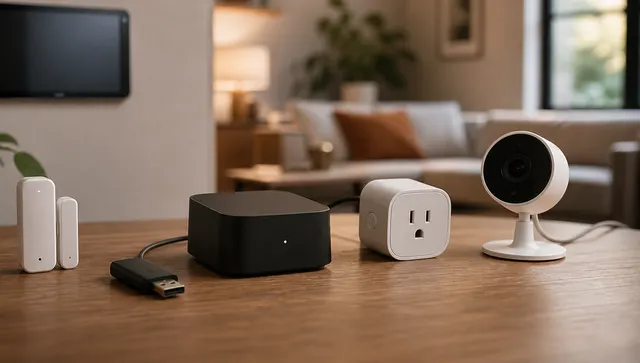
Home Assistant OS vs Docker vs VM: Which Install Is Right?
Choose Home Assistant OS for integrated management or Container for deliberately managed companion services. A VM is a hosting choice, not a third installation type; compare radio access, backups and recovery dependencies.