
Network Security
Remote Access Without Opening Router Ports: Safer Homelab Access With Tailscale and Cloudflare Tunnel
Reach homelab services remotely with tailnets, tunnels, access policies, DNS, MFA, and clear rules for what should stay private.
Reverse Proxy Setup Without Security Mistakes: HTTPS for Homelab Apps
A security-first reverse proxy setup guide for homelab services, covering DNS, TLS, access controls, logging, updates, and what not to expose.
What Not to Self-Host in 2026: A Practical Risk List for Homelabs
A realistic self-hosting risk guide covering email, passwords, identity, family-critical data, public dashboards, backups, and safer alternatives.
15 Router Security Settings to Audit Before Something Breaks
A practical home-router audit checklist for admin access, firmware, Wi-Fi security, guest networks, UPnP, WPS, and firewall validation.
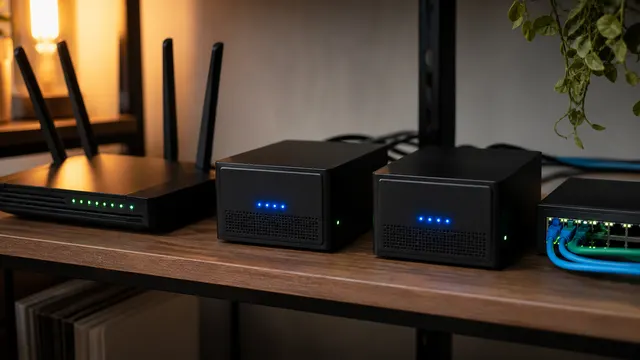
Malware-Blocking DNS at Home: Set Up Filtering and Check Its Limits
Pilot malware-filtering DNS with harmless provider tests, then check IPv6, browser, and VPN paths; only lookups reaching the intended resolver receive its filtering policy.

The 2026 Travel Router Kit: Safer Hotel Wi-Fi Without Rebuilding Your Network
Prepare a travel router with updated firmware, a permitted captive-portal workflow, verified VPN and DNS settings, and an approved fallback before relying on hotel connectivity.

Smart Home VLAN, Guest Wi-Fi, or Second SSID?
Smart-home isolation can improve security, but it can also break discovery, Matter, Thread border routers, casting, and app setup.

Passkeys Still Need a Backup Plan
Passkeys reduce phishing risk, but phones, hardware keys, cloud sync, and account recovery still need documented fallback before critical accounts depend on them.

Browser Password Managers vs Dedicated Vaults: How to Choose
Choose Chrome, Edge, Firefox, Apple Passwords, Bitwarden, or 1Password based on devices, sharing, recovery, and threat model.
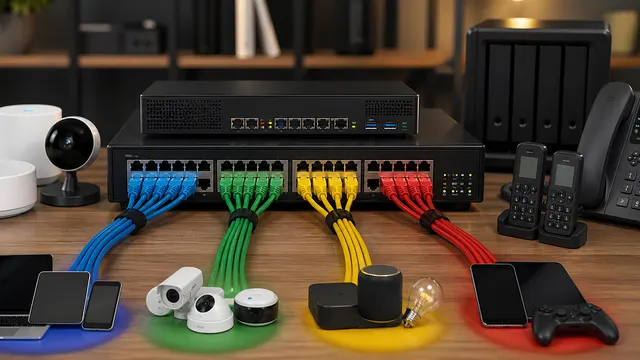
What Is the Right VLAN Layout for a Beginner Homelab?
Build a small set of explainable trust zones with explicit firewall, DHCP and DNS plans. Keep experimental workloads separate from infrastructure management when their access needs differ, and preserve a recovery path.